
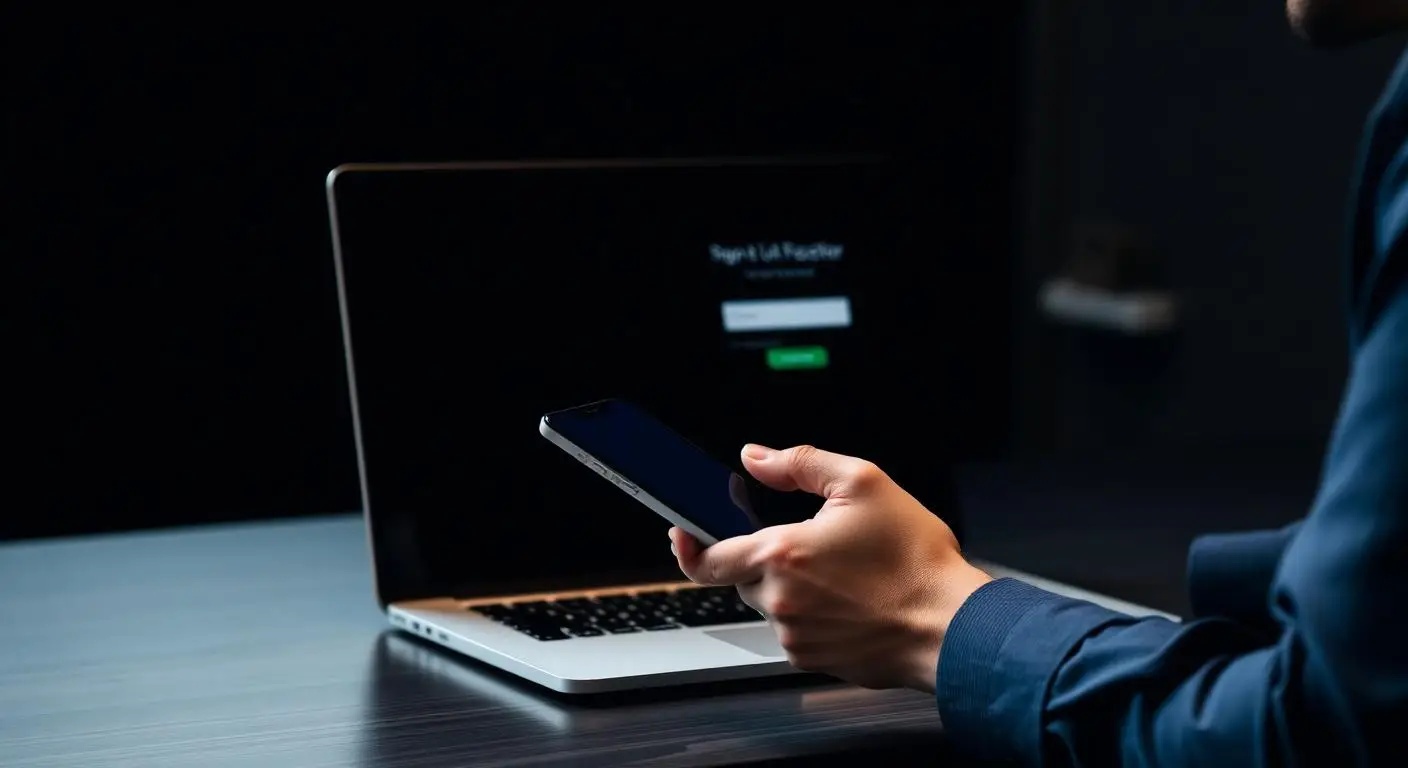
There is no shortage of security products to buy. But when we are called into an incident, the entry point is usually not exotic. Someone's password worked.
Why passwords keep failing
Credentials are reused across business and personal accounts, harvested through convincing phishing pages, or purchased in bulk from previous breaches. None of that requires malware, which is why traditional antivirus never sees it.
Once inside a mailbox, an attacker reads quietly, learns how the organization handles payments, and sends a message that looks entirely normal because it comes from a real account.
Where to apply it
In rough priority order:
- Administrative accounts, always, without exception
- Email and Microsoft 365 for every user
- Remote access: VPN, remote desktop, any published application
- Financial systems and banking
- Line-of-business applications that support modern authentication
Making it survivable for staff
The objection is always that it will frustrate people. A rollout that marks trusted devices and locations, communicates ahead of time, and provides support during the first week keeps prompts infrequent for normal work while still challenging unusual sign-ins.
App-based or hardware methods are preferable to text messages, which can be intercepted. But text-message MFA is still enormously better than none, and perfect should not delay good here.
What MFA does not do
It does not stop everything. Session tokens can be stolen, and attackers do target MFA fatigue. It remains the control with the best return for the effort, and it belongs alongside monitoring and tested recovery rather than instead of them.