
Communications
3CX, Designed, Hosted and Supported by Mayer Networks
3CX is one of the two communications platforms available inside the Mayer Networks hosted business VoIP service. The system is hosted in our Carbondale private cloud, designed, configured, deployed, administered and supported by us, with the phones, licensing, number porting, call flows, training and network troubleshooting included. You are buying a complete phone service from Mayer Networks; 3CX is the platform it runs on.

3CX is the platform. Mayer Networks designs, deploys, hosts, manages and supports the complete phone system.
The Whole Phone System, in an App Your Staff Will Actually Use
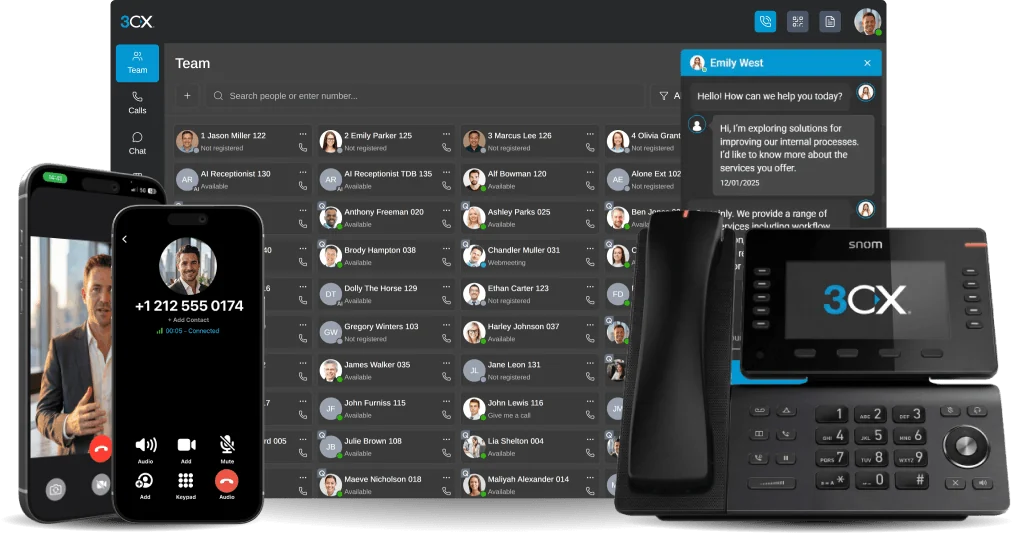
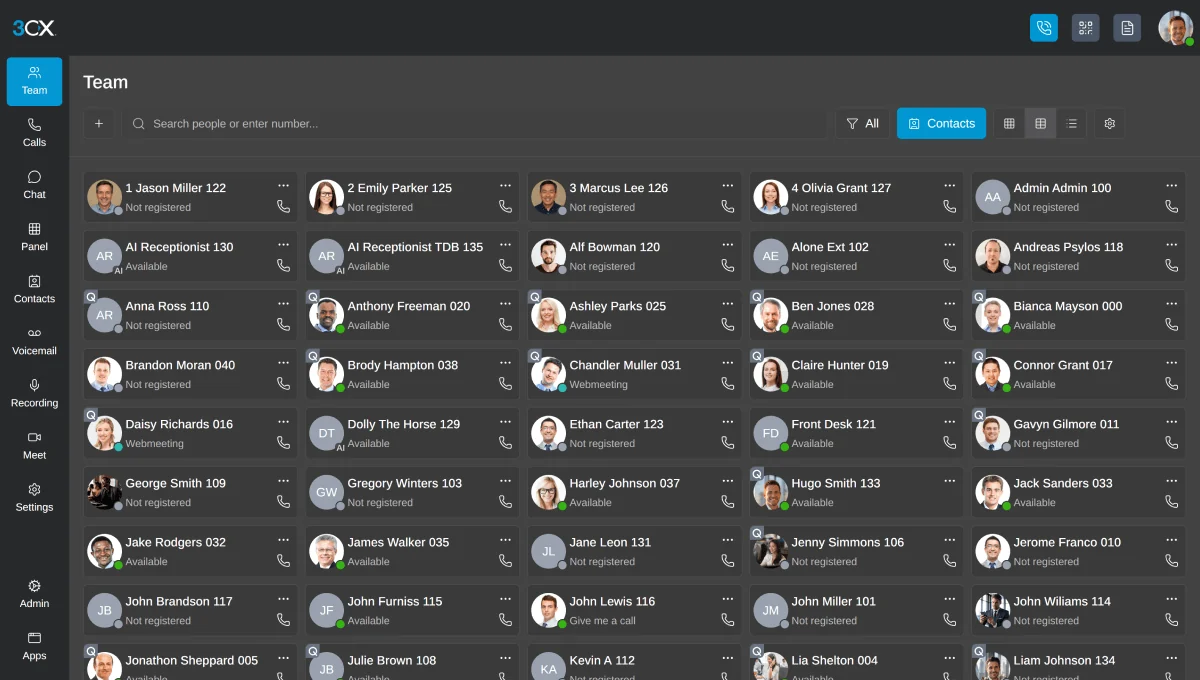
3CX puts calling, chat, presence, conferencing and call control in a desktop app, a browser tab and a smartphone app that all behave the same way. Your desk phone still works. It just stops being the only way to answer.
- Desktop, web and mobile clients
- One extension across every device
- Routing changed in software, not by ticket
- Hosted by Mayer Networks in Carbondale
Who this fits
- Organizations replacing a traditional PBX
- Businesses that want desktop and mobile calling
- Organizations with call queues or reception workflows
- Multi-site organizations consolidating phone systems
What breaks first on old phone systems
- Legacy PBX hardware that can no longer be serviced
- Per-feature charges from hosted carriers
- No mobile or remote calling capability
- Nobody clearly responsible when the phones do not work
What is included
- 3CX hosted in the Mayer Networks Carbondale private cloud
- Platform licensing included in the managed service
- System design, configuration and call-flow build
- Auto attendants, queues, ring groups and hours
- Desktop, web and mobile applications
- Web conferencing capability
- Call recording where enabled, and reporting
- Calling service, number porting and carrier coordination
- Phones, headsets and required hardware, provisioned and installed
- Staff training and ongoing administration by Mayer Networks
- Extension-to-extension calling across sites and remote users
- Voicemail with email delivery where configured
- Presence and busy lamp field keys on supported handsets
- Paging and intercom where the site supports it
- Integrations with business applications where currently supported
Everyday Calling, Without the Cheat Sheet Taped to the Monitor
The things staff do a hundred times a day are the things that decide whether people like the new phone system. On 3CX they are two clicks or two key presses, and we cover every one of them in training.
- Extension-to-extension calling across sites and remote users
- Blind and attended transfer
- Hold, park and pick-up from another phone
- Voicemail with voicemail-to-email delivery where configured
- Inbound and outbound caller ID management
- Call history for every user and every device
- Busy lamp field keys showing who is free, ringing or on a call
- Paging and intercom where the site supports it
Your Business Number Goes Where Your People Go
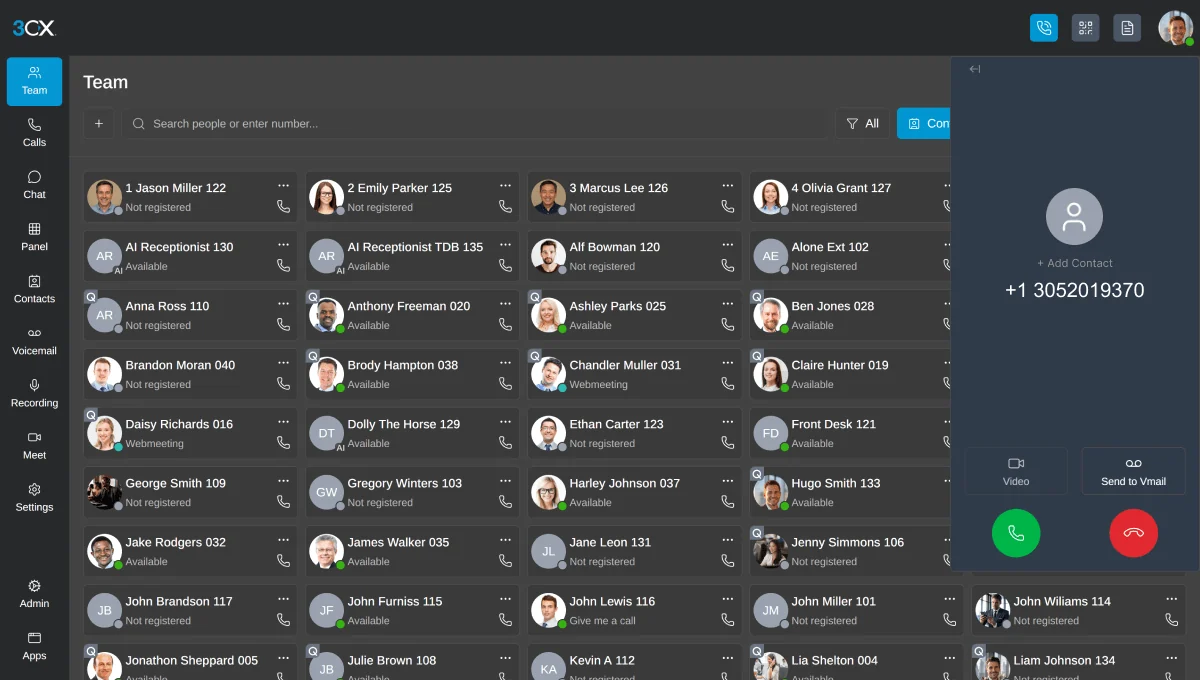
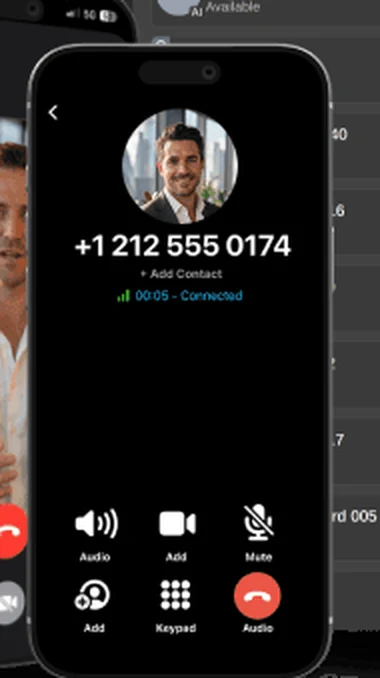
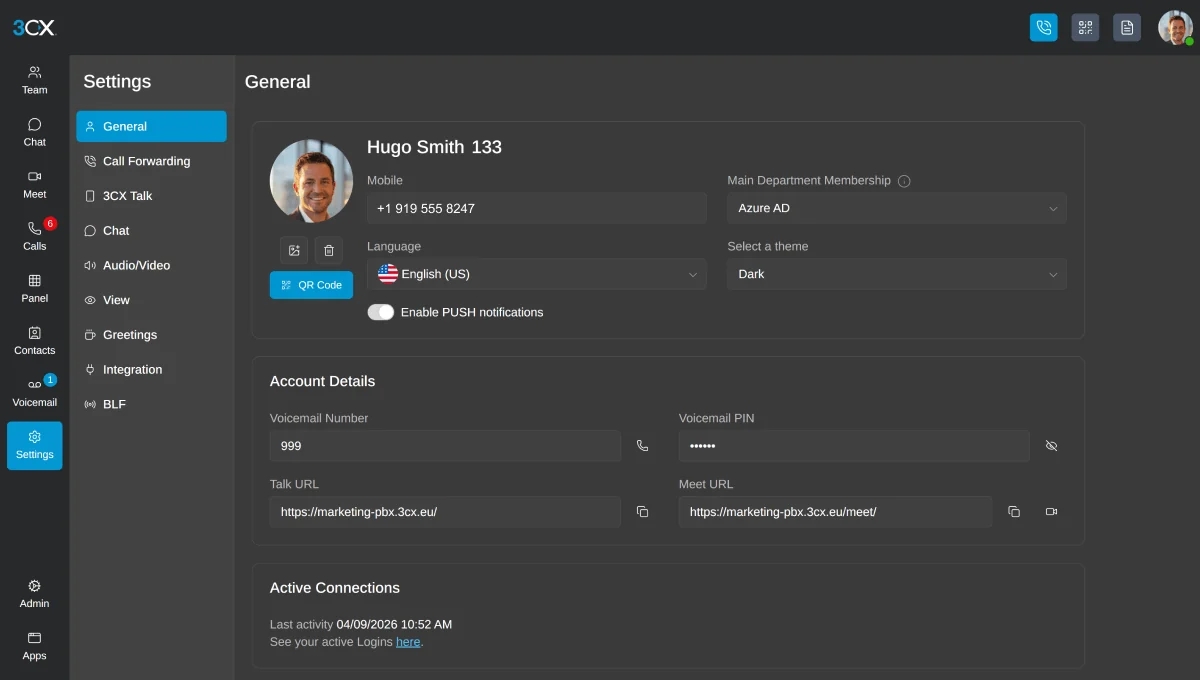
The 3CX desktop app, browser client and smartphone app all carry the same extension and the same business caller ID. Staff working from a job site, a home office or an airport are still reachable at the number printed on the card, and nobody has to hand out a personal cell number to make that happen.
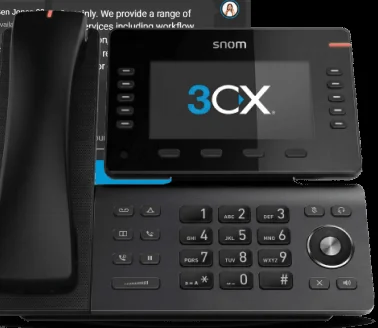
Desktop client
Full call control from Windows or Mac, with a headset instead of a handset if that is how someone prefers to work.
Web client
A browser tab for staff on shared machines, seasonal workers, or anyone who should not be installing software.
Smartphone app
Business calls placed and received on iOS or Android with the company number, over Wi-Fi or cellular data.
Remote working
Remote extensions connect securely without publishing your phone system to the open internet.
Every Caller Lands Somewhere Useful, at Every Hour of the Year
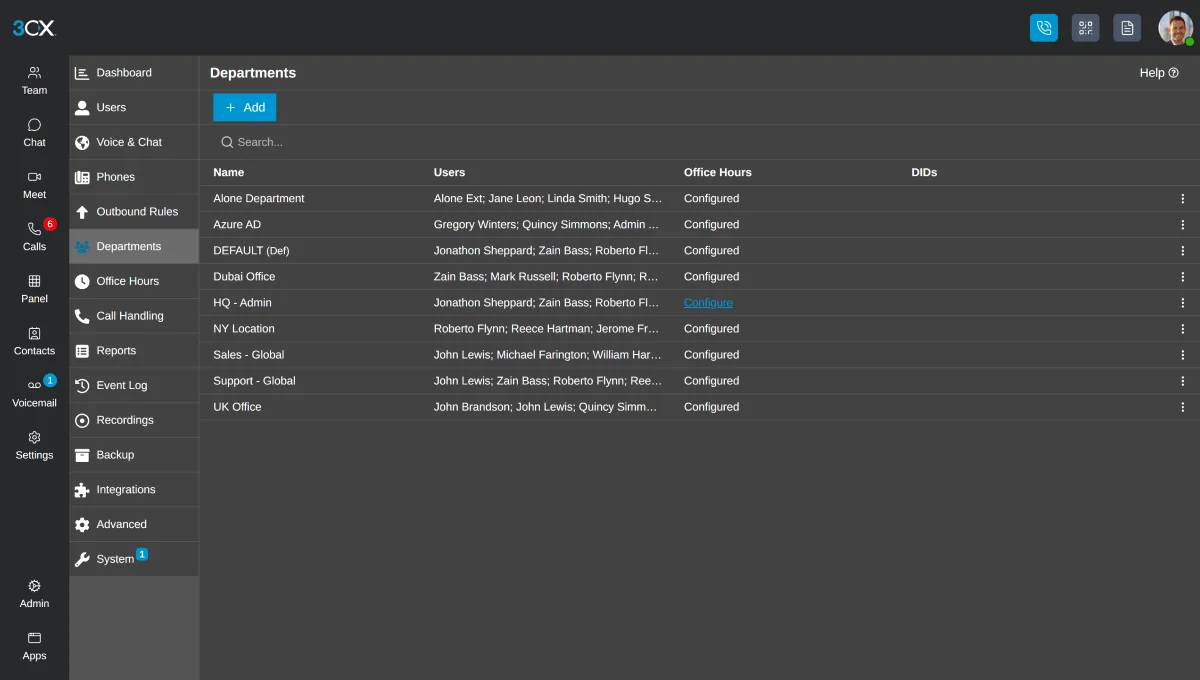
3CX handles routing in software, which means your call flow is a design decision rather than a permanent condition. Mayer Networks builds it with you, tests every path before cutover, and changes it when your organization changes.
- Auto attendants and multi-level IVR menus
- Business-hours, lunch and after-hours routing
- Holiday schedules loaded in advance
- Ring groups, simultaneous or sequential
- Department routing to the right team
- Overflow destinations so no path ends in silence
- Temporary routing for weather closures and events
- On-call and emergency routing paths
See What Is Happening to the Calls You Are Missing
When a department genuinely holds callers, a ring group is not enough. 3CX queues distribute calls to agents, keep callers informed while they wait, and give supervisors a live view plus the history to back it up.
- Call queues with defined distribution to agents
- Agent login, availability and wrap-up handling
- Supervisor visibility into live queue activity
- Queue reporting on answered, abandoned and wait times
- Wallboard and dashboard views where the edition supports them
- Call recording where supported and configured
- Overflow and callback behavior appropriate to the department
- Reporting used to right-size staffing, not just to file away
Meetings and Messaging in the Same Place as the Phone
3CX includes collaboration capability alongside calling, so a quick internal question does not need a separate subscription and a meeting does not need a separate invitation platform.
- Internal chat between staff and departments
- Presence showing who is free, ringing or on a call
- Audio conferencing
- Video meetings in supported editions
- Screen sharing during a meeting
- Browser-based joining for outside participants
Several Buildings, One Phone System
Organizations running three offices with three phone systems end up with three bills, three vendors and no way to transfer a caller between buildings. On 3CX the locations become one environment while each site keeps the numbers its community already knows.
Extension dialing between locations
Staff dial a short extension to reach another building instead of an outside number.
Centralized administration
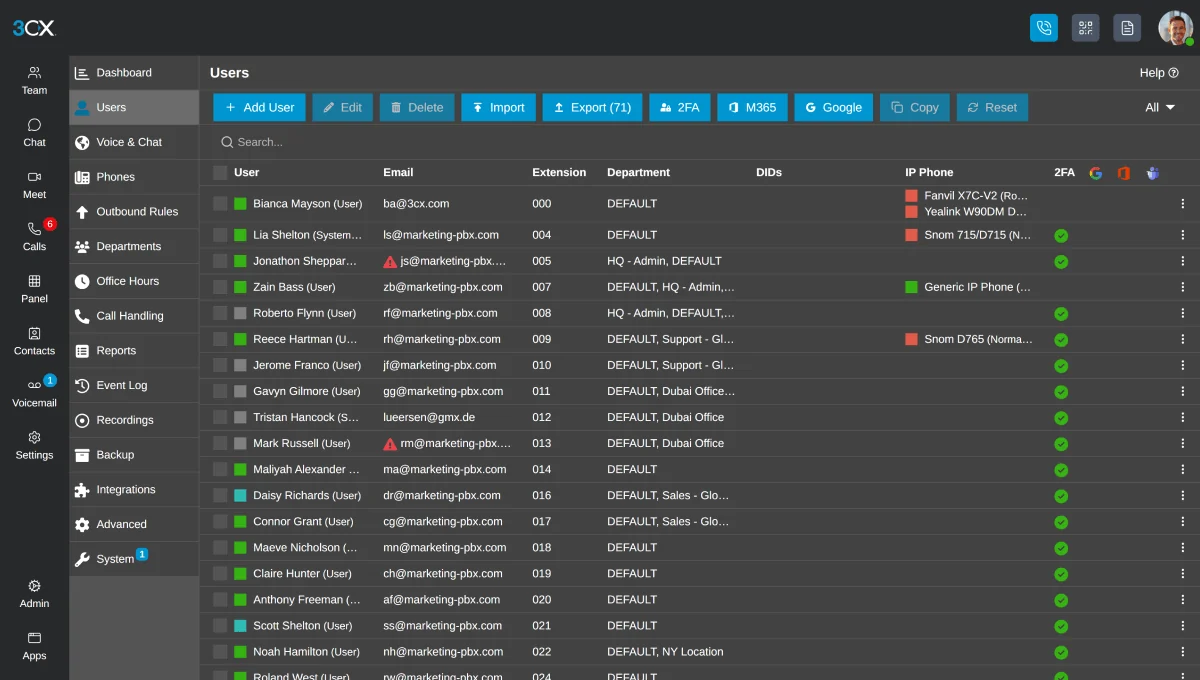
One management interface for every site, so a change is made once rather than three times.
Shared directories
Everyone appears in one company directory with presence, regardless of which office they sit in.
Centralized routing
Reception coverage can be shared, and overflow can cross buildings when one site is slammed.
Location-specific numbers
Each site keeps its published local numbers and its own registered emergency address.
One invoice and one support path
The whole environment is supported by Mayer Networks as a single system.
Numbers You Can Act On
Reporting exists so somebody can make a decision. We configure the reports that answer the questions your managers actually ask, and we show them how to read them.
- Call volume by hour, day and department
- Answered, abandoned and missed calls
- Queue wait times and agent activity
- Extension and user call history
- Scheduled reports delivered by email where supported
Connected to What You Already Run
3CX supports integration with a range of business applications, and what is available depends on the current release and on the specific systems you use. We verify integration support against your applications before it becomes part of a proposal, rather than promising it and sorting it out later.
- Contact lookup against supported business applications
- Click-to-dial from supported applications and browsers
- Call logging into supported systems where available
- Microsoft 365 contact and calendar-related capability where supported
- Calling service and carrier connections provided by Mayer Networks
- Supported IP handsets, conference phones, headsets and analog adapters
We do not publish an integration list that ages badly. We confirm what your release supports at the time we scope your project.
How a phone cutover runs
Step 1
Plan
Numbers, call flow, users, handsets and network readiness are documented.
Step 2
Build
The system is deployed and configured in our Carbondale datacenter.
Step 3
Cut over
Numbers are ported and tested, with staff trained before go-live.
Step 4
Support
Ongoing changes, updates and support.
3CX Is the Platform. Mayer Networks Provides the Complete Managed Service.
You are not buying software. You are buying a working phone system with somebody local responsible for it. We host it, deploy it, port your numbers, design the call flow, provision the phones, train your staff, support them afterward and troubleshoot the network the calls travel across.
- Hosting in our Carbondale private cloud
- Deployment, staging and installation
- Number porting and carrier coordination
- Call-flow design and configuration
- Phones, headsets and analog adapters
- Staff and administrator training
- Ongoing support and system administration
- Network and firewall troubleshooting
- Changes as your organization grows
Prefer Another Platform?
Mayer Networks also supports Yeastar. Some organizations are better suited to it depending on their device mix, deployment preference and requirements, and we will say so during design rather than after.
Why organizations here trust us with the phones
- Serving Southern Illinois organizations since 2006
- Local engineers, remote and onsite support
- Phones and network managed by one team
- Business and government deployments
- Multiple platforms supported, selected by fit
- Number porting and carrier coordination handled for you
- Multi-location and remote-staff experience
- 24/7 monitoring of managed environments
3CX as Part of Mayer Networks Business VoIP
3CX is one of the two communications platforms we offer inside the complete Mayer Networks hosted business VoIP service. Choosing 3CX does not mean buying a phone system and then finding somebody to run it. The platform, the calling service, the phones, the hosting, the deployment, the training and the ongoing support all come from us as one service.
The system is hosted in our Carbondale private cloud, managed by Mayer Networks and supported by Mayer Networks. When a greeting needs changing, a queue needs a new agent, a staff member joins or a call is not routing the way it should, you contact the same local team that built it.
- Hosting the system in our Carbondale private cloud
- Platform licensing, phones and required hardware
- System design, configuration and call routing
- Number porting and the calling service itself
- Deployment, installation and staff training
- Ongoing administration, changes and user support
- Troubleshooting the network the phone system depends on
What Your Staff Get on the Mayer Networks Hosted 3CX Solution
Staff use the system through a desk phone, the desktop application, the web client or the mobile app, and the experience is consistent across them: dial an extension, see who is available, transfer with or without an announcement, pick up a colleague's ringing call from a BLF key. Reception and dispatch staff generally keep a physical handset with programmable keys; most other users end up living in the application.
Everything behind that is configured and maintained by us. Business-hours and holiday routing, auto attendants, ring groups, queues, voicemail delivery and recording where it is enabled are all built to the way your organization works, then changed by us as it changes.
- Desk phones, desktop and web client, and iOS and Android mobile app
- Presence, transfer, park, pick-up and voicemail with email delivery
- Auto attendants, ring groups, queues and business-hours and holiday routing
- Conferencing, messaging and reporting, plus call recording where enabled
- Multiple locations and remote users on one extension plan
Why Mayer Networks
- Hosting, deployment, administration and support from one local team
- Hosted in our own Carbondale datacenter
- Training that covers how staff actually work
- Responsive remote and onsite support from engineers based in Southern Illinois, not a queue in another time zone.
Security considerations
- Segmented voice network
- Toll fraud protection
- Secure remote extension access
- Platform updates managed
Who hosts the 3CX system?
Mayer Networks does. The platform runs in our Carbondale private cloud as part of our hosted business VoIP service, and we manage and support it. We do not support customer-owned or independently hosted 3CX installations.
Do we have to buy new phones?
Phones and required hardware are part of the service. Many supported IP handsets already in place can be reused, and we verify compatibility during planning.
Who makes changes to the system?
We do. Hours, greetings, menus, extensions, new users, queue membership and routing changes are handled by Mayer Networks as part of the managed service.
Does it work for remote employees?
Yes, through desktop, web and mobile applications with secure remote connectivity.
Is 3CX the only phone system you sell?
No. We work with business communications platforms including 3CX and Yeastar and recommend based on the organization's users, locations, calling requirements, integrations, infrastructure and long-term needs.
What about licensing and pricing?
Licensing terms change over time, so we do not publish editions, plan names or figures that age badly. We quote what applies to your project at the time it is scoped.
Can it integrate with our other systems?
3CX supports integrations with a range of business applications, and what is available depends on the current release and your applications. We verify integration support against your specific systems before it is part of a proposal.
Let's talk about your technology
Tell us what you are running and what is not working. We will tell you plainly what we would do about it.