
Managed IT
Your Backup Is Only Valuable If You Can Recover.
Mayer Networks protects critical business and government systems with managed backup, protected offsite copies, restore testing, and disaster-recovery options designed around how quickly the organization needs to recover. For organizations that cannot tolerate extended downtime, we can go beyond backup and design replication and failover so critical workloads stay available even when production infrastructure is not.
Security lifecycle
- Identify
- Protect
- Detect
- Respond
- Recover (this page)
Backup and recovery are the Recover stage of cybersecurity. Prevention reduces how often something gets through; recovery decides what it costs when it does. See the full Mayer Networks cybersecurity approach.
Part of the security posture
Backup and Recovery Are Part of Cybersecurity.
Firewalls, endpoint detection, email security, MFA and monitoring reduce the likelihood of compromise. None of them reduce the operational impact once prevention fails. That is what recoverable, protected, tested copies do, which is why Mayer Networks treats recovery as a security control rather than an IT chore.
%20--%3e%3csvg%20version='1.1'%20id='Artwork'%20xmlns='http://www.w3.org/2000/svg'%20xmlns:xlink='http://www.w3.org/1999/xlink'%20x='0px'%20y='0px'%20viewBox='0%200%20500%2091.68'%20style='enable-background:new%200%200%20500%2091.68;'%20xml:space='preserve'%3e%3cstyle%20type='text/css'%3e%20.st0{fill:%23C046FF;}%20%3c/style%3e%3cg%3e%3cpolygon%20class='st0'%20points='91.7,64.85%2059.26,32.43%20124.13,32.43%20124.13,64.85%20'/%3e%3cpath%20d='M0,0h26.83L91.7,64.85v26.83H64.87L32.43,59.25v32.43H0V0z%20M59.18,32.43h32.43V0H59.18V32.43z%20M168.2,37.34v38.8h-11.64%20V21.13h12.01l30.83,37.34l0.53,0.93V21.13h11.64v55.01h-11.56l-31.13-37.72L168.2,37.34z%20M253.65,54.89h-31.24v-12.5h31.24V54.89z%20M302.7,64.11h-28.22l-5.31,12.03h-13.05l25.87-55.01h12.82l26.25,55.01h-12.82L302.7,64.11z%20M288.36,32.86L278.95,54h19.12%20L288.36,32.86z%20M328.82,76.14V21.13h28.07c8.6,0,15,1.07,19.2,3.2c4.2,2.13,6.3,5.85,6.3,11.15v0.39c0,3.45-0.83,6.09-2.5,7.95%20c-1.67,1.85-4.25,3.16-7.74,3.93c3.95,0.72,6.85,2.01,8.72,3.86c1.87,1.85,2.81,4.66,2.81,8.41v0.23c0,5.81-2.23,9.91-6.68,12.3%20c-4.45,2.39-10.95,3.59-19.5,3.59H328.82z%20M340.66,30.93v12.19h17.3c3.74,0,6.75-0.36,9.03-1.08c2.28-0.72,3.41-2.34,3.41-4.86%20v-0.31c0-2.57-0.99-4.2-2.96-4.9c-1.97-0.69-5.26-1.04-9.86-1.04H340.66z%20M340.66,52.77V65.8h15.33c2.07,0,3.89-0.05,5.46-0.15%20c1.57-0.1,2.91-0.26,4.02-0.46c2.17-0.36,3.68-1.02,4.51-1.97c0.83-0.95,1.25-2.22,1.25-3.82v-0.23c0-0.87-0.11-1.65-0.34-2.31%20c-0.23-0.67-0.54-1.23-0.95-1.7c-0.91-0.93-2.42-1.55-4.51-1.89c-2.1-0.33-5-0.5-8.69-0.5H340.66z%20M393.67,76.14V21.13h12.29v43.36%20h33.91v11.65H393.67z%20M500,76.14h-50.3V21.13h48.71v10.41h-37.02v11.73h31.33v10.49h-31.33v11.57H500V76.14z'/%3e%3c/g%3e%3c/svg%3e)


Backup is a security control
Cybersecurity Is Not Complete If You Cannot Recover.
Modern security is not only prevention. A serious posture assumes something eventually gets through, and plans for what happens next.
- Credentials can be compromised
- Malware can execute
- Ransomware can encrypt systems
- Administrators can make mistakes
- Files can be deleted
- Virtual machines can be damaged or destroyed
- Software can corrupt data
- Hardware can fail
- Cloud accounts can be compromised
Layer 1
Prevent
Endpoint security, email security, MFA and identity controls that stop most of what is aimed at the environment.
Layer 2
Detect
EDR, managed detection, monitoring and alerting so activity that gets past prevention is seen quickly.
Layer 3
Contain
Incident response, isolation of affected systems and control of administrative access while the scope is established.
Layer 4
Recover
Protected backups, offsite and immutable copies where the platform supports them, tested restores, replication and failover.
Protection and recoverability are both security controls.
An organization that can block and detect an attack but cannot restore its systems has bought time, not resilience. Recovery is the layer that decides how a bad day ends.
The distinction that decides the design
Backup. Recovery. Failover. They Are Not the Same Thing.
These three words get used interchangeably in sales conversations. They describe different capabilities, and they cost and behave differently.
Backup
Creates protected recovery copies of data and systems, held where a problem in production cannot reach them.
Recovery
Uses those copies to restore files, servers, applications or entire workloads after something goes wrong.
Failover
Allows critical workloads to keep running from another environment while production infrastructure is unavailable.
Backup path
The data comes back. How long that takes depends on how much there is and what has to be rebuilt first.
Disaster-recovery path
The workload keeps running somewhere else. Designed in advance, for the systems the organization cannot be without.
Backup protects the data. Disaster recovery protects the operation.
Business risk
What Are You Actually Recovering From?
Recovery planning is not one scenario. These are the events that put organizations into a restore, and each one behaves differently.

Ransomware
Production systems may be encrypted, and backups reachable with production credentials are frequently targeted or destroyed first.
Hardware failure
A server, controller or storage system fails without warning, sometimes taking a volume rather than a single disk.
Human error
Files, mailboxes, virtual machines or configurations are deleted or overwritten, often discovered days later.
Software corruption
An application or database becomes unusable after a failed update or a bad write, with no attacker involved at all.
Building or site outage
Fire, power problems, cooling failure or physical damage can take local infrastructure offline while the data itself is intact.
Connectivity failure
Remote access and hosted services become unreachable even though every server is still running normally.
Microsoft 365 data loss
Service availability is not the same as an independent recovery copy of mail, OneDrive and SharePoint data.
The question is not whether something can go wrong. It is how much downtime and data loss the organization can tolerate when it does.
How we design it
We Design Recovery Around the Business, Not Around the Backup Product.
A file share, a domain controller and a line-of-business database do not have the same recovery requirement, so they should not get the same protection by default. We establish the requirement first and select the platform to meet it.
The requirement drives the tool
Most backup proposals start with a product and work backwards, which is how organizations end up paying for capability they do not need in one place and missing it entirely somewhere else.
We do it in the other order. The recovery requirement is established per workload, then the platform, retention, storage location and protection level are chosen to satisfy it.
- Which systems are genuinely critical
- How much data loss is acceptable per system
- How quickly each workload has to return
- Where recovery copies should live
- How long recovery copies must be retained
- Whether a local recovery copy is needed for speed
- Whether offsite copies are required for separation
- Whether immutability is available and appropriate
- Whether replication of workloads is required
- Whether true failover is required
The two numbers that set the budget
Two Questions Define the Recovery Strategy
Everything else on this page follows from the answers. They are business decisions before they are technical ones.
RPO
How much data can you afford to lose?
The Recovery Point Objective is the amount of work you are willing to re-enter. It is set by how often copies are taken, not by how good the software is.
Tighter RPO, more frequent protection
RTO
How long can you afford to be down?
The Recovery Time Objective is how long the organization can operate without the system. It is what separates an ordinary backup design from a disaster-recovery design.
Tighter RTO, more infrastructure required
What the answers change
- More frequent backups
- A local recovery copy for restore speed
- Replicated workloads kept close to current
- Disaster-recovery infrastructure to run them on
- Failover for the systems that cannot wait
- Documented recovery order across systems
Layered protection
One Backup Copy Is Not a Strategy.
A single copy sitting in the same building, reachable with the same credentials as production, fails in most of the scenarios above.
Layer 1
Production
Onsite servers, Microsoft 365 and other SaaS, or workloads hosted in Mayer Networks private infrastructure.
Layer 2
Local recovery copy
On-site storage or a backup appliance where restore speed matters, on platforms designed for it. Reading from the rack beats pulling a large server across a rural circuit.
Layer 3
Protected offsite copy
Held outside the production environment and beyond the reach of production credentials, with immutability where the selected platform and repository support it.
- Fast local restore for routine incidents
- Protection from loss of the building
- Ransomware resilience through separation
- Backup credentials separated from production
- A second option when one layer is unavailable
- Retention matched to when problems are actually discovered
Immutability is a platform and repository decision rather than a universal feature. We tell you which copies in your specific design are protected against alteration instead of describing all of them that way.
Supporting technology
Different Recovery Needs Require Different Platforms.
The platform is chosen after the requirement is understood. These are the three we build on, and they are not interchangeable.
Cove Data Protection
Managed backup and offsite protection
- Servers, workstations, file data and Microsoft 365 workloads
- Protected offsite cloud copies by design
- Local recovery storage where the design calls for it
Best suited to managed backup and cloud-protection scenarios, including Microsoft 365 data.
Datto
Appliance-based local recovery
- Local recovery appliance in the rack for fast restores
- Protected offsite copies in the Datto cloud
- Business continuity features where the platform fits the environment
Useful where local recovery speed plus offsite protection fits the requirement.
Veeam Backup & Replication
Enterprise backup, replication and failover
- Image-based backup for larger virtualized estates, including Hyper-V clusters
- Virtual machine replication, not only backup
- The platform behind failover into Mayer Networks recovery infrastructure
Used for larger virtualized environments and where replication and failover architecture is required.
This is the platform tied directly to Mayer Networks replication and disaster recovery and failover.
Mayer Networks designs, implements and manages the solution. Product names appear here to describe what your environment would run on. Logos and product names are the property of their respective owners.
Proof, not reporting
A Successful Backup Job Is Not the Same as a Successful Recovery.
Green checkmarks report that a job ran. They do not prove that a database restores consistent, that a domain controller comes back in the right order, or that retention reaches far enough back to predate the problem.
Monitored
Backup jobs are watched continuously and failures are investigated rather than filed.
Validated
Recovery points are checked so the copy that exists is the copy you can actually use.
Tested
Restores are performed and documented where appropriate, not inferred from a job log.
Sequenced
Application dependencies and recovery order are written down before anyone needs them.
It also means someone owns it. When recovery is required, the organization should already know who declares the incident, who performs the restore, and in what order systems return. That is part of the managed IT relationship, not an extra.
Confidence that recovery works has to exist before the emergency, not during it.
When backup is not enough
What If You Cannot Wait for a Restore?
For many organizations, backup is sufficient. Data comes back, systems are rebuilt, and a day or two of disruption is survivable.
For others it is not. Restoring several servers, applications and databases in sequence can still mean hours or days before people are working normally. Organizations that cannot absorb that need disaster recovery, not a bigger backup.
- County and municipal government operations
- Public safety and dispatch-adjacent systems
- Healthcare and clinical scheduling
- High-volume businesses where an idle day is measurable
- Multi-location organizations sharing central systems
- Organizations running a critical line-of-business application
When backup is not fast enough, failover changes the conversation.
The Mayer Networks differentiator
Replicate Critical Workloads. Fail Over When Production Is Unavailable.
For appropriate designs, critical virtual workloads can be replicated from your environment into disaster-recovery infrastructure that Mayer Networks owns and operates.
Normal operation
Client production environment
Servers, Hyper-V hosts and line-of-business applications running at your site.
Standing by
Mayer Networks recovery infrastructure
Near-current copies of critical workloads held in our Carbondale datacenter at an interval set per workload.
During an outage
Failover
Replicated workloads are started in the recovery environment, with the access path and recovery order planned in advance.
After repair
Failback on a schedule
Workloads return to production and data written during failover is reconciled, run as a planned project.
Replication and failover are designed per environment, usually on Veeam, and are in place only where an agreement provides for them. Failover speed depends on what is replicated, how often, and how users reach the workloads, so we measure and document those numbers for your environment rather than quoting a universal figure.
Why Mayer Networks
Backup Software Is Easy to Buy. Recovery Capability Is Harder to Build.
Anyone can license a backup product. Recovering an environment requires the disciplines around it to be in the same hands.
- Backup platforms
- Virtualization
- Server and storage engineering
- Networking
- Cybersecurity
- Incident response
- Disaster-recovery infrastructure
- 24/7/365 support
- Local engineers
- Application and vendor coordination
The value is not the license. It is having a team that knows what needs protected, where it is protected, how it is restored, and what happens if the production environment is gone. That team also runs your network infrastructure and security program, which is why recovery is not designed in isolation from either.
Incident response
Recovery Is Part of the Incident Response Plan.
During a security incident, backup stops being a maintenance task and becomes an active part of the response.
Step 1
Isolating affected systems
Step 2
Establishing which recovery points predate the compromise
Step 3
Rebuilding infrastructure where needed
Step 4
Restoring clean data rather than reinfecting the environment
Step 5
Bringing critical workloads back in a documented order
Step 6
Validating the environment before users return
Microsoft 365
Available Is Not the Same as Recoverable.
Microsoft operates highly available services, and that availability is genuine. It is a different thing from holding independent recovery copies of your mail, files and sites with retention your organization controls.
- Mail deleted past the retention window
- OneDrive files removed when an account is closed
- SharePoint libraries overwritten or deleted
- Malicious deletion by a compromised account
- Records retention obligations beyond tenant defaults
- Recovery of a tenant after an identity compromise
Government
Public Services Need a Recovery Plan Before the Incident.
When a county office, court or public-safety system is down, the disruption is public and the recovery decisions get made under pressure. Those decisions belong in a document written beforehand.
- Protected offsite backups separated from production credentials
- Documented recovery order across departments
- Retention matched to records obligations
- 24/7/365 support when an incident does not wait for business hours
- Disaster recovery for systems that support public services
- Failover for the workloads that cannot pause
- Budget planning that treats resilience as a line item
- Coordination with the software vendors agencies depend on
County systems, public safety, administrative departments, courts and public-facing services each have a different tolerance for downtime, which is exactly the conversation government backup and recovery and government IT services are built around.
Disaster recovery & failover
Recovery Infrastructure We Actually Operate.
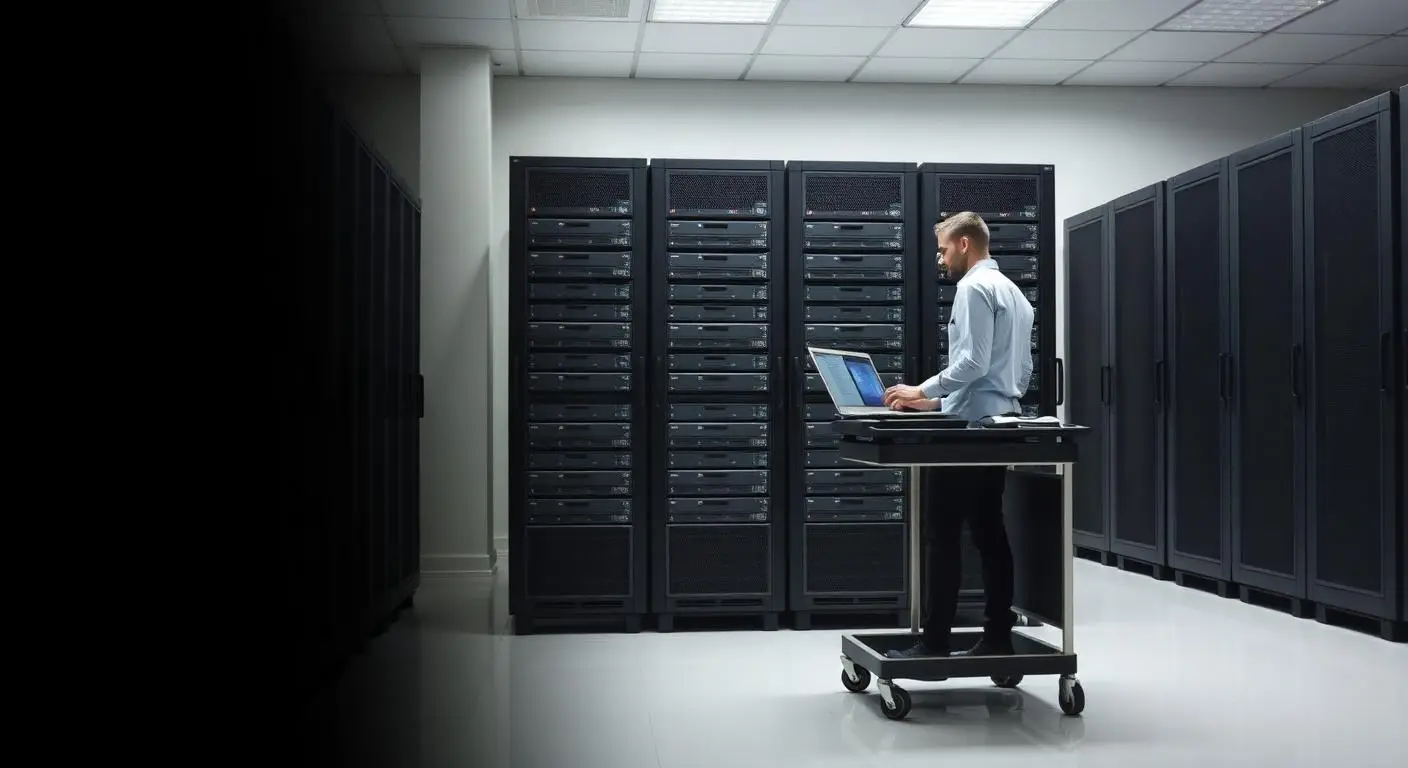
Most providers answer the disaster-recovery question with "restore it to the cloud" and leave the architecture undefined. Mayer Networks operates its own datacenter infrastructure in Carbondale, Illinois, and for appropriately designed environments that infrastructure can serve as the recovery destination for replicated workloads.
That means the compute, storage and networking your recovery plan depends on is operated by the same engineering team that supports your production environment, in the same region, reachable by phone.
For organizations that cannot afford to wait through a traditional restore, we design replication and failover strategies that allow critical workloads to run from the recovery environment while production systems are being rebuilt.
- Compute
- Storage
- Networking
- Replicated workloads
- Backup targets
- Monitoring
- Failover and failback
- Local engineers
Capacity is finite and designed per client. Failover is not offered universally or without limit; it is scoped to the workloads an agreement covers.
Why Mayer Networks
- Platform chosen for the environment rather than one product sold to every client
- Offsite protection by design, so recovery does not hinge on a single site
- Restore testing treated as part of the service
- Responsive remote and onsite support from engineers based in Southern Illinois, not a queue in another time zone.
Security considerations
- Backup repositories separated from production credentials and directory accounts
- Immutable or protected copies where the selected platform and repository support them
- Restores validated before systems return to production
- Recovery capability treated as a cybersecurity control, not just an IT chore
What is the difference between backup and disaster recovery?
Backup answers whether the data can be recovered. Disaster recovery answers how the business keeps operating when the production environment is unavailable, which usually means replicated workloads and somewhere to run them. See Disaster Recovery & Failover.
Where do our backups actually live?
It depends on the design. Most environments hold a local recovery copy for speed plus a protected offsite copy in the cloud repository belonging to the platform selected for you. Backups are not simply parked in our Carbondale datacenter; that facility is a disaster-recovery target, not the general backup repository.
Are the backups immutable?
Where the platform and repository support it, yes, and that is what we aim for. Immutability depends on the product and how the repository is configured, so we tell you which copies in your design have it rather than claiming all of them do.
Which backup product will we be on?
Cove, Datto or Veeam depending on the workload and the recovery requirement. Cove and Datto both combine local recovery storage with protected offsite copies. Veeam is our platform for larger virtualized environments such as Hyper-V clusters, and it is the one that can also replicate critical machines to our recovery infrastructure where that is part of the design.
How often should recovery be tested?
At minimum annually and after significant infrastructure change. Systems the organization cannot function without deserve more frequent tests.
Industries that rely on this
Related services
- Cloud & InfrastructureDisaster Recovery & FailoverBackup answers whether the data can be recovered. Disaster recovery answers how the organization keeps operating when production is unavailable. Mayer Networks' Carbondale infrastructure can serve as a disaster-recovery and failover destination for customer workloads that require replicated recovery capability.
- Cloud & InfrastructureMicrosoft 365 BackupMicrosoft operates the Microsoft 365 platform, but service availability is not the same thing as having an independent backup and recovery strategy. Mayer Networks protects supported Microsoft 365 data with independent backup, long-term retention, ongoing monitoring and restoration assistance, so organizations have another recovery path when email, files or SharePoint content are deleted, corrupted or intentionally removed.
- CybersecurityIncident ResponseWhen something goes wrong, response is about sequence: contain the damage, understand what happened, coordinate the right parties and restore operations from protected backups.
- Cloud & InfrastructurePrivate Cloud HostingMayer Networks operates its own datacenter in Carbondale, Illinois, and hosts private-cloud infrastructure there for businesses and government organizations. It is infrastructure we own, operate and support, not a public cloud platform resold under our name.
Let's talk about your technology
Tell us what you are running and what is not working. We will tell you plainly what we would do about it.