
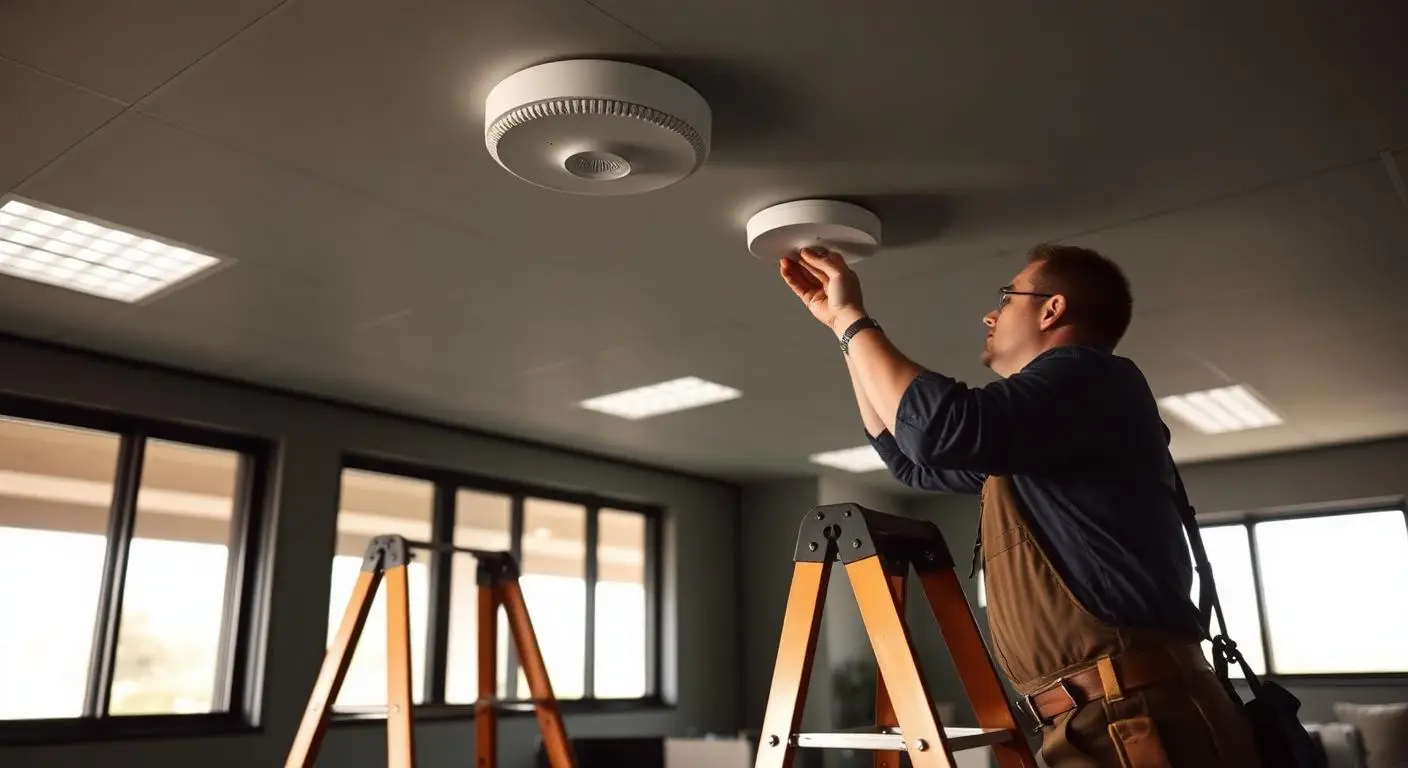
Too few access points
One access point is expected to cover far more space than its radio can serve, so coverage falls off in the rooms furthest from it.
Managed IT
Mayer Networks designs and manages business wireless networks, from site survey and access point placement through guest access, segmentation and ongoing management.
Wireless platforms we design, deploy and manage
Mayer Networks designs and manages the wireless environment. The vendors supply the hardware and the management platform.


Coverage design
Coverage is planned against the building: square footage, floor plan, construction materials, where people actually work and how many devices are in the room. Access point count, placement, channel plan, cabling and PoE all come out of that survey rather than out of a box count.
Illustrative coverage plan. Every survey produces a different access point count and placement.
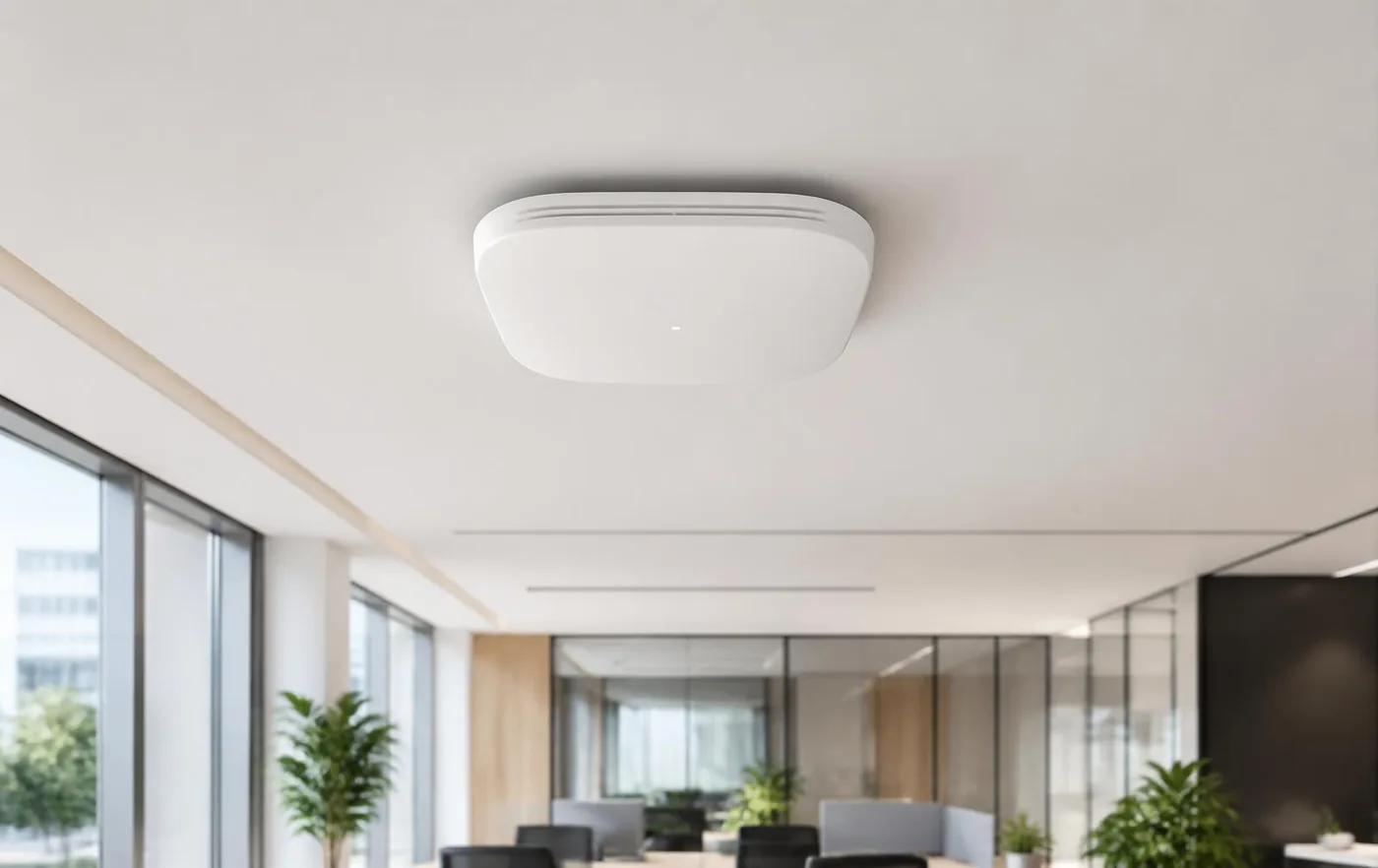

More than an access point
Access points can only perform as well as what they are plugged into. When Wi-Fi feels slow, the cause is often the switch, the PoE budget, the firewall or the Internet circuit rather than the radio on the ceiling. Mayer Networks manages the whole path, so wireless problems get diagnosed instead of guessed at.
Internet circuit
Bandwidth sized for the site, with failover where an outage would stop work
Firewall
Policy, inspection, content filtering and guest isolation
Switching and PoE
Managed switches with PoE budget planned for every access point
Wireless management
Central configuration, channel and power control, firmware
Access points
Placed and tuned from the survey, not from convenience
Users and devices
Staff, guests, phones, cameras and equipment on the right networks
Diagnosis
Wireless complaints usually have a physical or design cause. These are the ones we find most often when we survey an environment that grew one access point at a time.
One access point is expected to cover far more space than its radio can serve, so coverage falls off in the rooms furthest from it.
More is not better. Excessive overlap and competing radios create interference and clients that will not let go of a distant access point.
Access points get mounted where a cable already runs instead of where coverage is needed, usually in a closet, above a ceiling grid or behind ductwork.
Concrete, masonry, plaster and lath, metal racking, coolers and equipment absorb or reflect signal. Older commercial buildings in this region are full of all of it.
A conference room, classroom, chamber or warehouse can hold many times the devices of a normal office area, and the design has to account for it.
The wireless is fine and the switch, firewall, uplink or Internet circuit is the real limit. Without visibility into all of it, the wrong thing gets replaced.
Neighbouring access points, and sometimes the business next door, compete on the same channels until throughput collapses at peak times.
Designed for the environment
The same access point behaves differently in a masonry office, a metal-racked warehouse and an open public lobby. Design follows the space, the number of users, the devices they carry and what those devices are doing.
Consistent coverage across offices, conference rooms and shared areas, with capacity where meetings actually happen.

Racking, inventory and metal change coverage as they move. Design accounts for aisles, scanners, docks and outdoor yards.
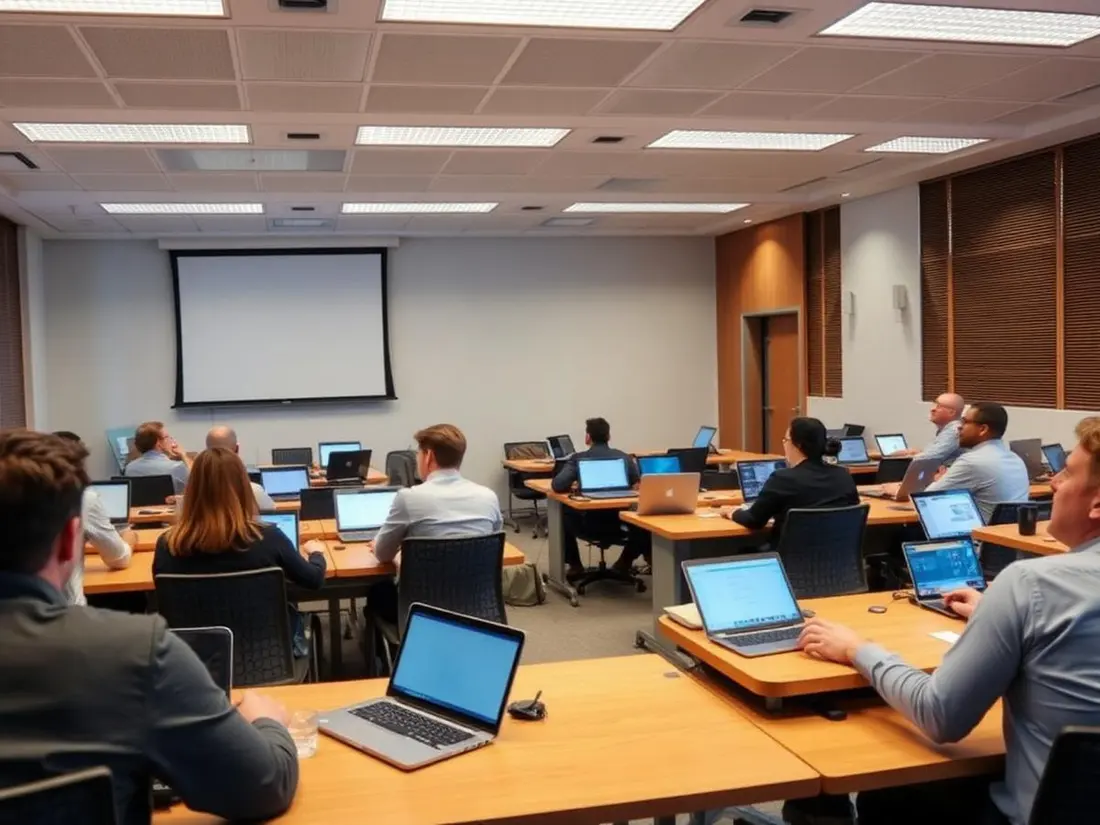
Rooms where every seat brings two devices need capacity planning, not another access point in the hallway.
Clinical devices and carts depend on wireless that does not drop between rooms, and on segmentation that keeps them separate.
Public access separated from staff systems, coverage in chambers and lobbies, and documentation that survives staff turnover.
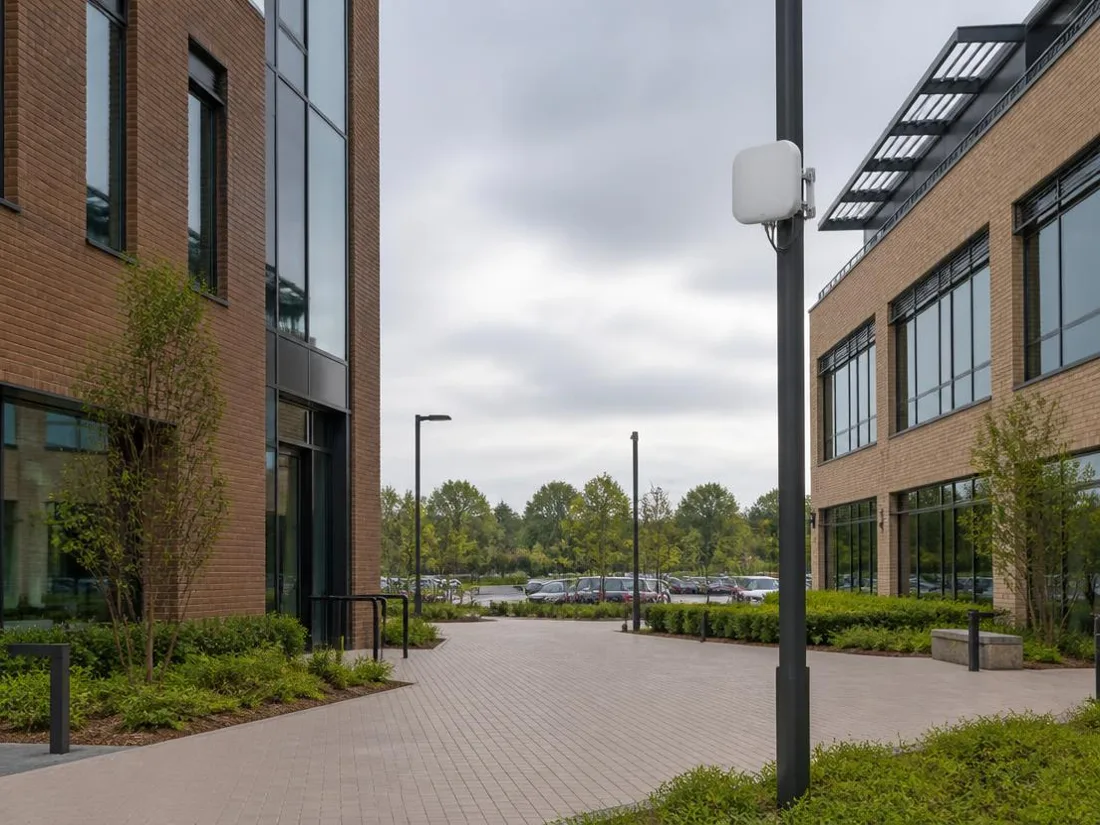
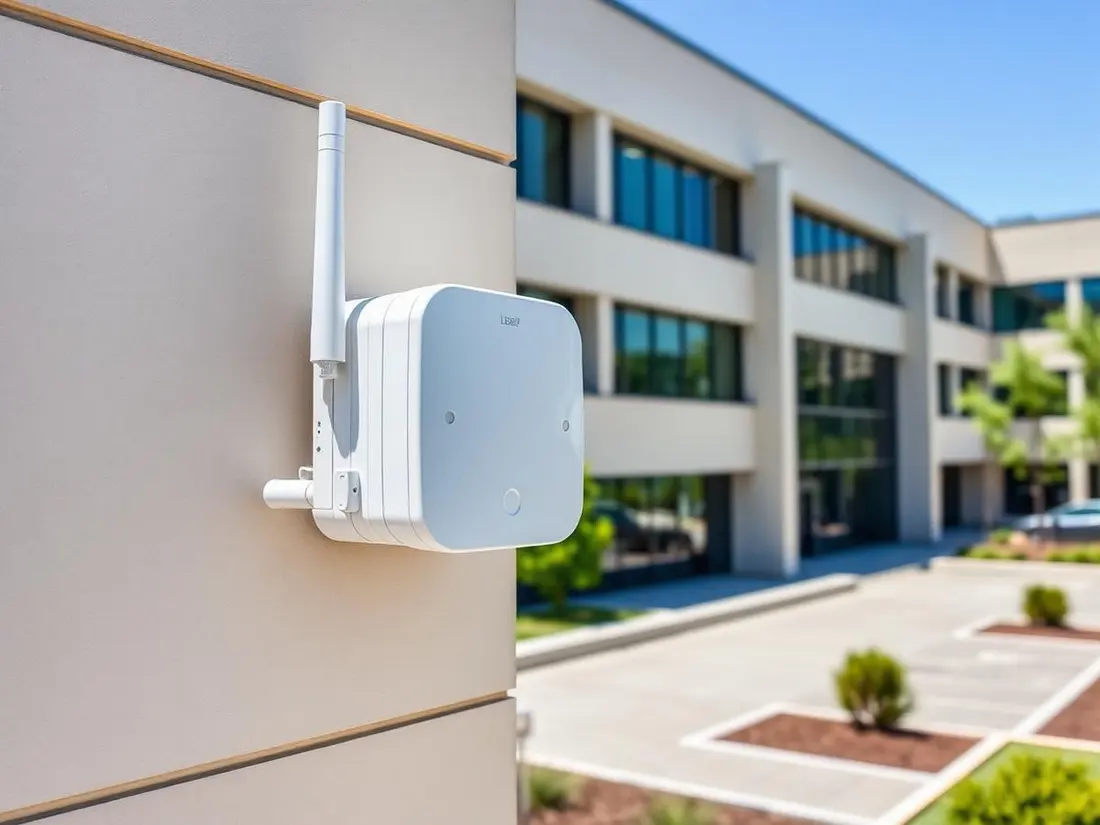
Courtyards, parking areas, yards and multiple buildings, using equipment rated for the conditions it sits in.
Step 1
We measure real coverage and interference in the actual building, including construction materials that block signal.
Step 2
Access point count, placement, channel plan, cabling and switching requirements.
Step 3
Deployment, configuration, validation testing and documentation.
Step 4
Monitoring, firmware maintenance and periodic coverage review as the space changes.
High density
A phone can show full signal in a packed room and still perform badly. Signal strength says the access point can be heard. Capacity is whether it can serve everyone in the room at once. Density design counts devices and airtime, not square footage.
Full signal, poor performance
Everyone is connected to the same radio and sharing the same airtime.
Devices, not people
A laptop, a phone and a tablet per person is three clients, not one.
Airtime, not bandwidth
Older or distant devices slow down the whole cell while they transmit.
Design response
More access points at lower power, tighter channel plan, band steering and wired backhaul.
Segmentation
A single wireless system can carry several separate networks. Visitors get Internet access without touching business systems, phones get priority for call quality, and cameras, sensors and specialized equipment stay where they cannot reach anything they should not.
Roaming
A call that drops walking to a conference room, or a scanner that stalls between aisles, is a roaming problem. Clean handoff depends on placement, deliberate signal overlap, power and channel settings, and how the client devices themselves behave.
This matters most in clinics, warehouses, government buildings, schools and any space where people work while walking.
Equipment categories
We standardize on centrally managed wireless so configuration, monitoring and firmware are handled from one place. The model follows the room rather than the other way around.

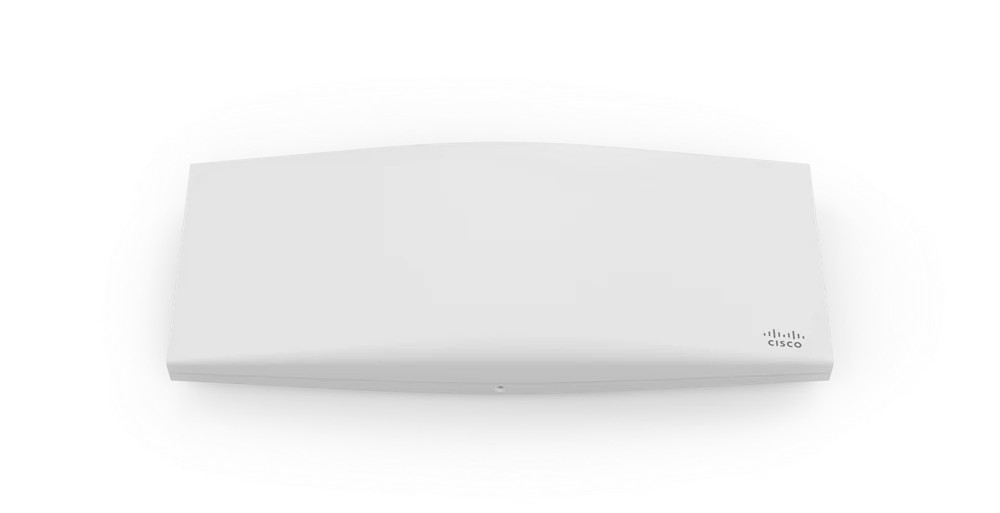
The standard for offices, clinics and public areas, placed from the survey and powered over the switch.
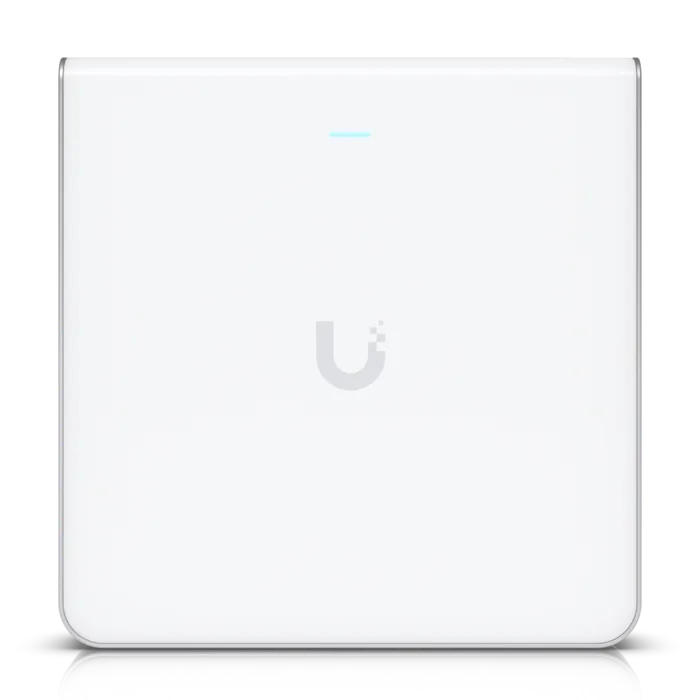
For corridors, patient rooms, dorm-style layouts and offices where ceiling mounting is not practical.
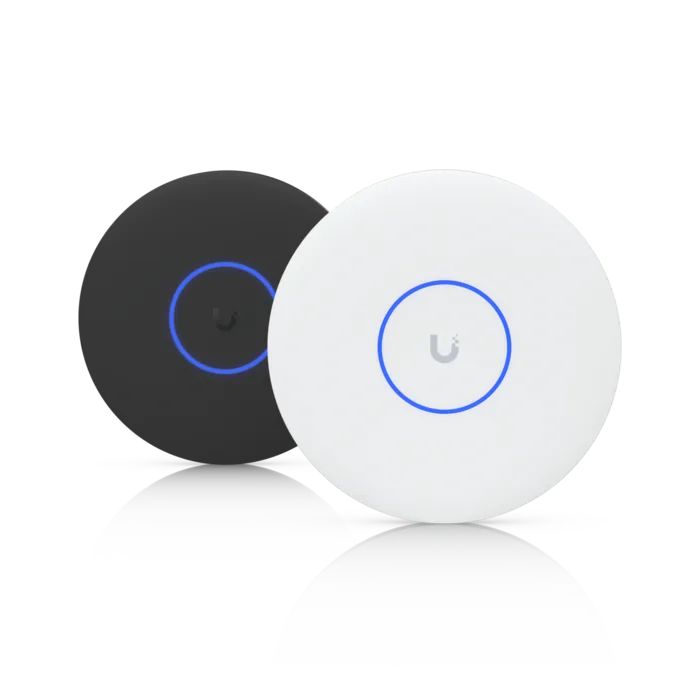
Conference rooms, training spaces, chambers and public rooms where many devices share one area.
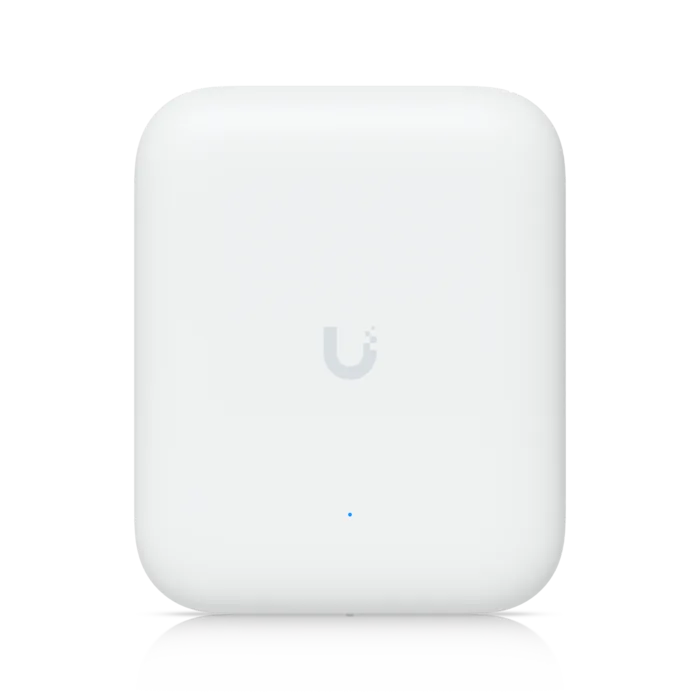
Courtyards, parking areas, docks and yards, using hardware rated for weather and temperature swings.
Product images are the property of their respective manufacturers and are shown to identify equipment categories Mayer Networks deploys and manages.
Managed afterward
Centrally managed wireless reports in, so access point health, client counts, signal quality, channel utilization and firmware status are visible rather than assumed. Coverage gets reviewed again as the space, the headcount and the equipment change.
Wireless health
Illustration of the visibility a centrally managed wireless platform provides.
Wireless problems in this region are usually physical. Older commercial buildings hold masonry, plaster and lath, and metal that wireless does not pass through politely; warehouses and plant floors change coverage as inventory and racking move. Adding a stronger access point often makes it worse by extending the cell into interference rather than into usable coverage.
A survey establishes where signal actually reaches, where channels overlap with neighbours, and where wired backhaul exists or must be pulled. Density then follows client count rather than square footage, and guest, staff and device traffic are separated so a visitor's laptop is not sharing a network with a payment terminal or a camera.
Usually access point placement, interference, insufficient capacity for the number of devices, or building materials. A survey identifies which.
Yes. Guest networks are segmented from internal systems.
Yes, using equipment rated for those environments.
Yes, with a design that accounts for roaming and quality of service.
Tell us what you are running and what is not working. We will tell you plainly what we would do about it.