
Communications
Yeastar, Designed, Deployed and Supported by Mayer Networks
Yeastar is one of the two communications platforms available inside the Mayer Networks hosted business VoIP service, and the one we reach for when a building depends on a mix of IP and analog devices. The system is hosted, designed, configured, deployed, administered and supported by Mayer Networks, with phones, licensing, number porting, call flows, training and network troubleshooting included. You are buying a complete phone service from us; Yeastar is the platform it runs on.

Yeastar is the platform. Mayer Networks designs, deploys, hosts, manages and supports the complete phone system.
A Straightforward Phone Platform That Still Talks to Your Old Equipment
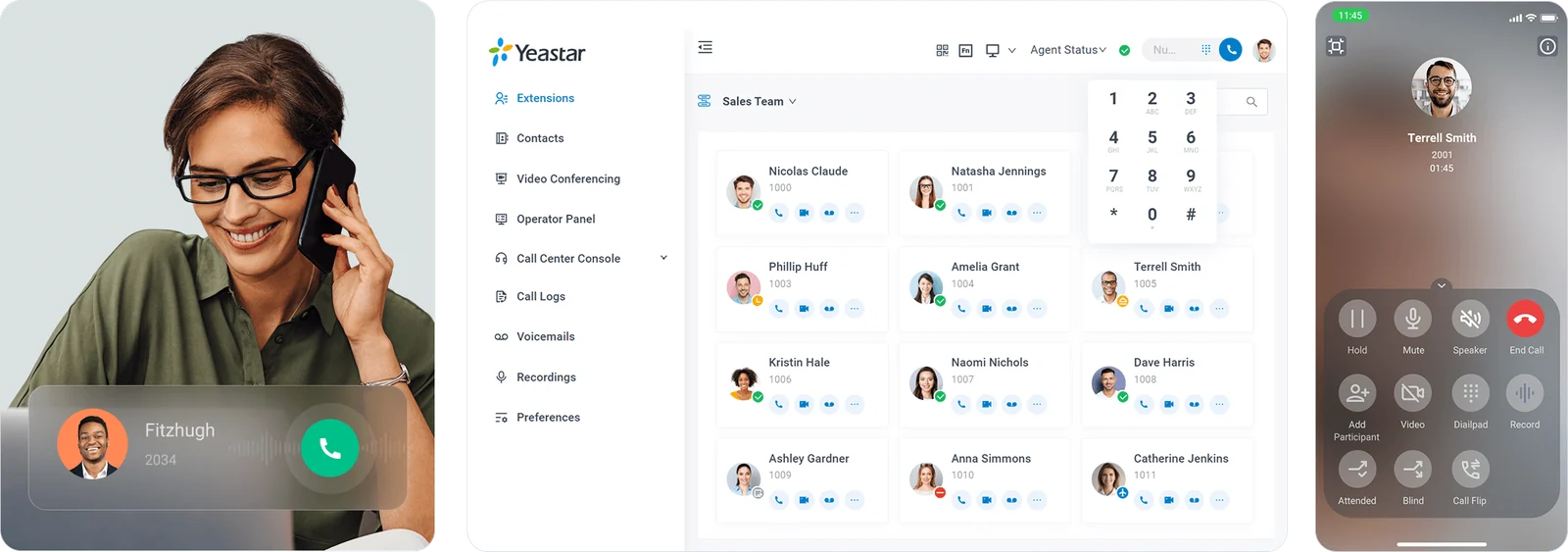
Yeastar P-Series gives staff the Linkus desktop and mobile clients, gives administrators a management interface that is genuinely readable, and handles the analog devices most buildings still depend on: overhead paging, elevator phones, fax lines and door stations.
- Linkus desktop, web and mobile clients
- Hosted and managed by Mayer Networks
- Strong analog and IP device handling
- Deployed and supported by Mayer Networks
Who this fits
- Organizations with a mix of IP and analog devices
- Businesses wanting a straightforward, cost-effective system
- Multi-site organizations
- Organizations with specific gateway or trunk requirements
What breaks first on old phone systems
- Analog devices such as paging, elevators or fax lines that must keep working
- Legacy systems reaching end of support
- Systems that require a vendor visit for every change
- Feature needs that outgrew basic carrier phone service
What is included
- Yeastar hosted in the Mayer Networks Carbondale private cloud
- Platform licensing included in the managed service
- System design, configuration and call-flow build
- Analog and IP device integration through supported gateways
- Auto attendants, queues and ring groups
- Linkus mobile, desktop and web clients
- Multi-site configuration
- Calling service, number porting and carrier coordination
- Phones, headsets and required hardware, provisioned and installed
- Staff training, ongoing administration and support by Mayer Networks
- Auto attendants with business-hours, after-hours and holiday routing
- Call queues, agent handling and call reporting where the offering supports it
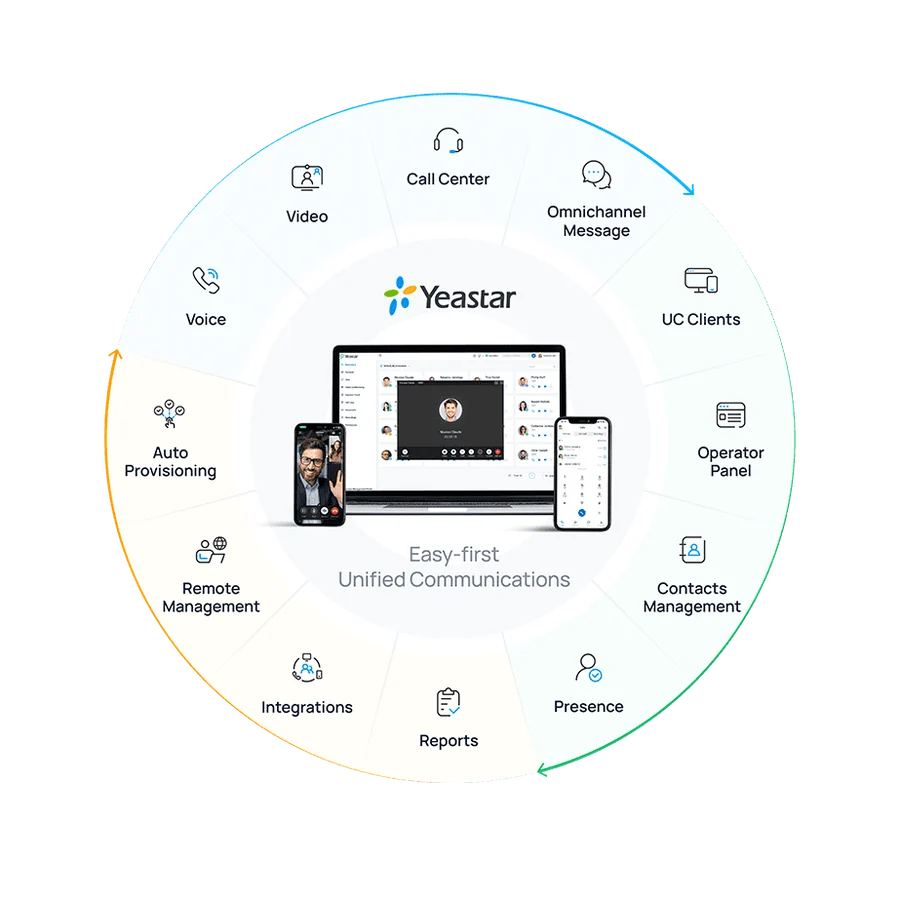
- Mobile, desktop and web calling with presence
- Unified communications features including voicemail to email and conferencing where supported
- Integrations with business applications where currently supported
The Basics, Done Without Drama
Most of what a phone system does all day is unglamorous. Yeastar handles it predictably, on a desk phone or in Linkus, and we configure it around the way your staff already work.
- Extension-to-extension calling across the organization
- Attended and blind transfer
- Hold, park and call pick-up
- Voicemail, with email delivery where configured
- Call history per user and per extension
- Caller ID handling inbound and outbound
- Ring groups for shared coverage
- Paging and intercom, including overhead paging
- Analog device support through supported gateways and ports
One Extension on the Desk, the Laptop and the Phone in Your Pocket
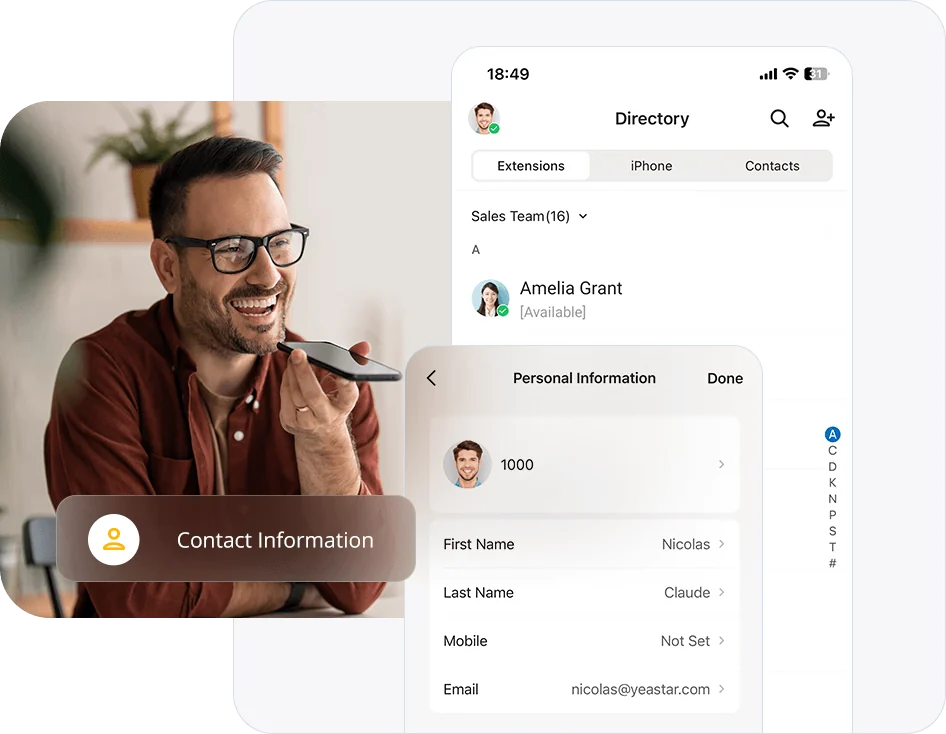
Linkus is the Yeastar client. It runs as a desktop application, in a browser, and on iOS and Android, and it carries the same extension and the same business caller ID everywhere. Field staff, remote employees and managers who are never at their desk stop being unreachable without anyone handing out a personal number.
- Linkus desktop application for Windows and Mac
- Linkus web client for shared or locked-down machines
- Linkus mobile for iOS and Android
- Business calling from personal devices without exposing the number
- Presence, transfer and voicemail from any of them
- Remote employees connected securely
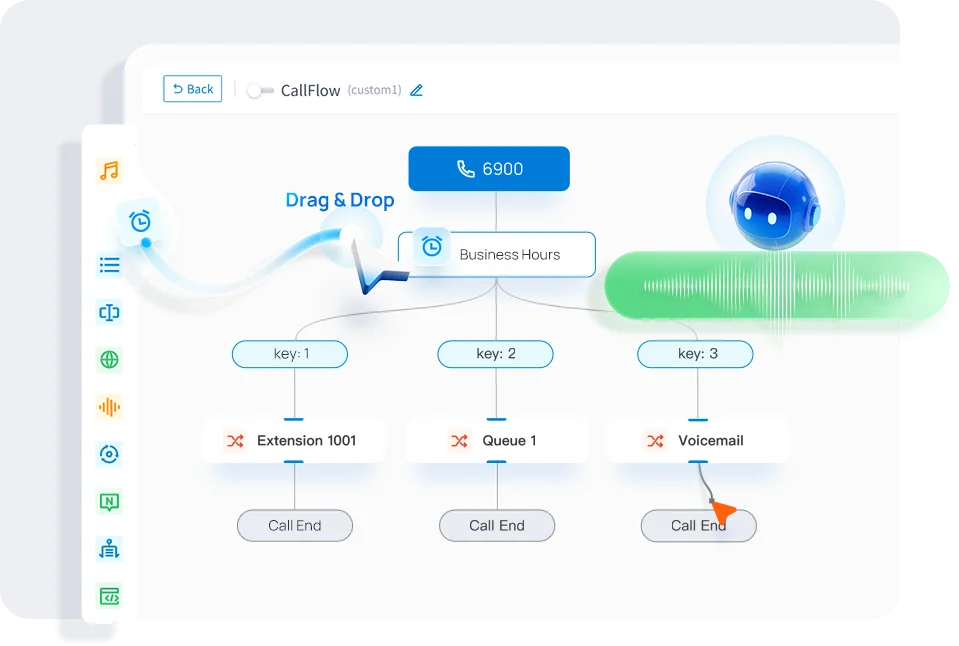
Time Conditions Do the Remembering for You
Yeastar routes by time condition, which is a plain way of saying the system already knows it is Saturday, or a holiday, or ten minutes after closing. Mayer Networks builds those conditions with you and tests every path before your numbers move.
- Auto attendant and IVR menus
- Time conditions for hours, lunch and after hours
- Holiday routing loaded ahead of the calendar
- Ring groups, simultaneous or sequential
- Department routing to the right team
- Manual override for closures and emergencies
- Inbound routes per published number
- Overflow destinations on every path
Departments Where Callers Actually Wait
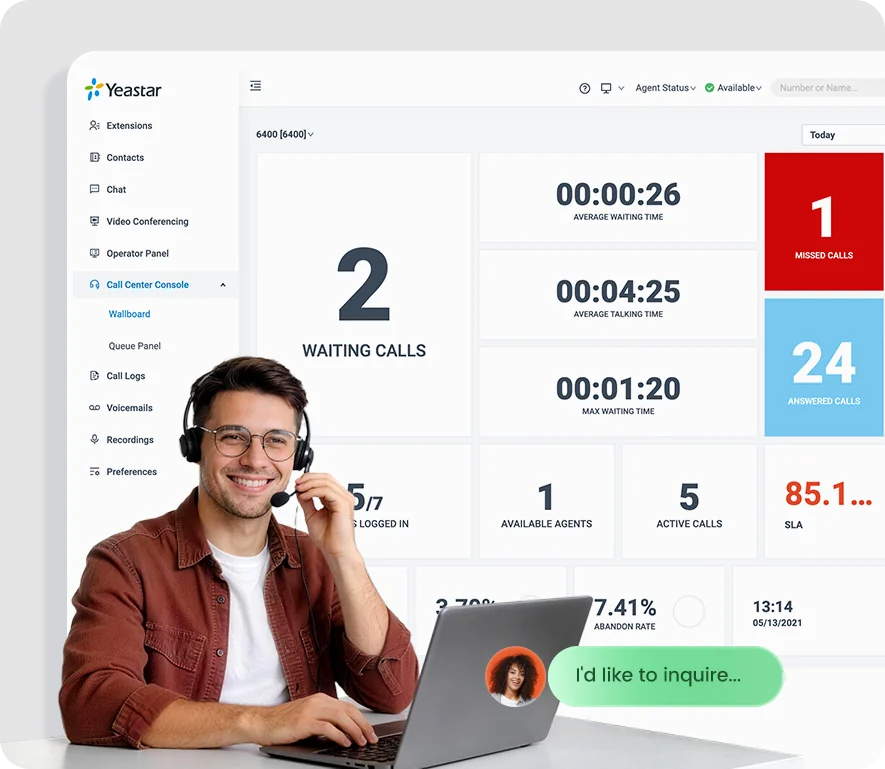
Service desks, billing departments and scheduling teams need more than a ring group. Yeastar queues hold the caller properly, distribute to agents, and record what happened so a manager can staff the phones based on evidence.
- Call queues with defined agent distribution
- Agent login, availability and management
- Supervisor features where the offering supports them
- Queue and agent reporting
- Call recording where supported and configured
- Overflow and failover destinations
Talking to Each Other, Not Only to Customers
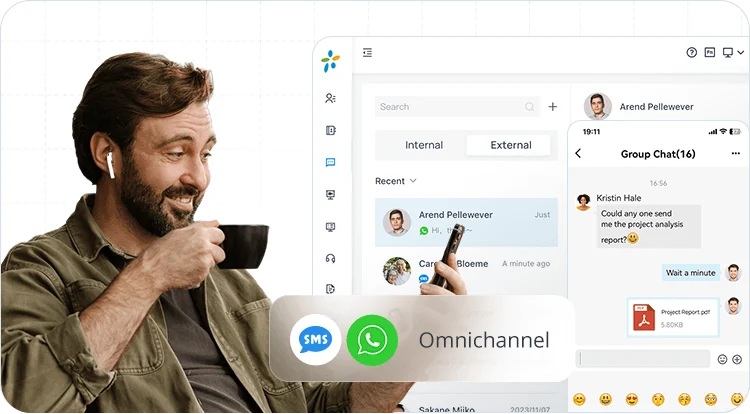
Yeastar includes collaboration capability alongside calling. What is available depends on the deployment and edition, so we confirm the current feature set for your project rather than promising a fixed list here.
Messaging
Internal chat between staff and groups, in the same client they use to place calls.
Presence
See who is available, ringing or on a call before transferring a caller to them.
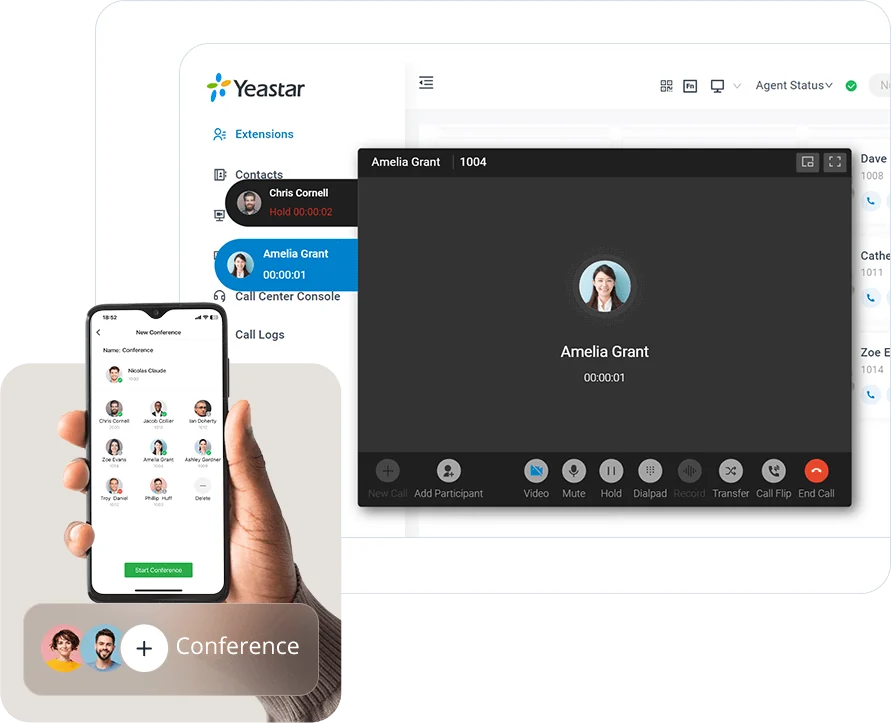
Conferencing
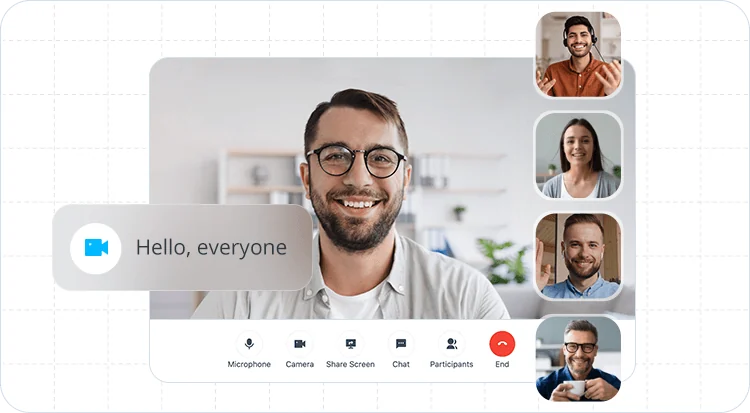
Audio conferencing for internal and external participants.
Video and screen sharing
Video meeting capability where the deployment and edition support it.

More Than One Building, One Phone Environment
Yeastar supports organizations operating across several offices, clinics, branches or yards. Staff dial each other by extension between sites, administration stays in one place, and each location keeps the local number its callers already have. Where a site depends on analog equipment, that equipment comes along instead of being abandoned.
- Extension dialing between locations
- Centralized administration for all sites
- Shared company directory and presence
- Central routing with per-site numbers
- Reception coverage shared across buildings
- Per-location registered emergency addresses
Administration Handled by Mayer Networks
You do not administer the system. Send us an email and get on with your day: hours, greetings, menus, extensions, new users, queue membership and routing changes are part of the managed service, and reporting is provided to the people who need it.
- Extension, user and group changes made for you
- Inbound and outbound route management
- Greeting and menu updates without a vendor visit
- Call detail records and queue reporting
- Extension and trunk activity visibility
- Firmware and platform maintenance handled by Mayer Networks
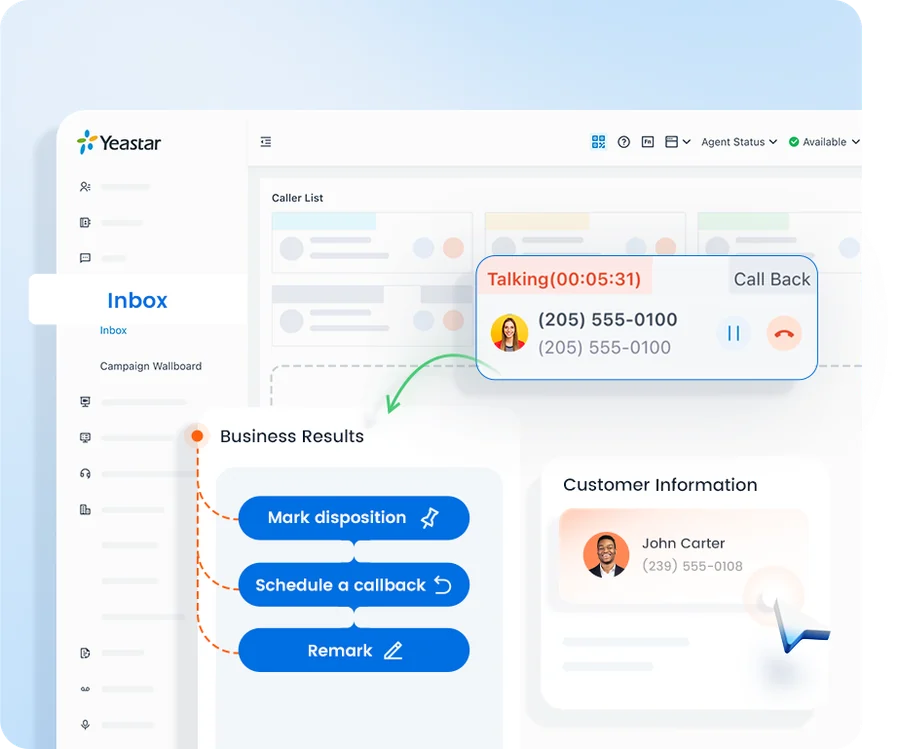
Yeastar supports integration with a range of business applications and standards-based SIP trunk providers, and the supported list depends on the platform version. We verify what is currently supported against your specific systems before it becomes part of a proposal, and we do not publish integrations we have not confirmed.
How a phone cutover runs
Step 1
Assess
Existing devices, lines, numbers and network are documented, including analog equipment that must remain.
Step 2
Design
System sizing, gateways, routing and failover are specified.
Step 3
Deploy
Installation, porting, testing and staff training.
Step 4
Support
Ongoing moves, adds, changes and platform maintenance.
Yeastar Provides the Platform. Mayer Networks Designs, Deploys, Hosts, Manages and Supports the Phone System.
Yeastar does not know your building, your departments or which line the elevator is on. We do. Everything between the platform and a phone that works the way your staff expect is our responsibility, including the network the calls travel across.
- Hosting in our Carbondale private cloud
- Number porting and carrier coordination
- Analog device survey before cutover
- Call-flow and time-condition design
- Phone provisioning, labeling and installation
- Staff and administrator training
- Ongoing support, moves, adds and changes
- Firmware and platform maintenance
- Network and firewall troubleshooting
Prefer Another Platform?
Mayer Networks also supports 3CX. Some organizations are better suited to it depending on their apps, routing complexity and hosting preference, and we will say so during design rather than after.
Why organizations here trust us with the phones
- Serving Southern Illinois organizations since 2006
- Local engineers, remote and onsite support
- Phones and network managed by one team
- Business and government deployments
- Multiple platforms supported, selected by fit
- Number porting and carrier coordination handled for you
- Multi-location and remote-staff experience
- 24/7 monitoring of managed environments
Yeastar as Part of Mayer Networks Business VoIP
Yeastar is one of the two communications platforms we offer inside the complete Mayer Networks hosted business VoIP service. Choosing Yeastar does not mean buying a phone system and then finding somebody to run it. The platform, the calling service, the phones, the hosting, the deployment, the training and the ongoing support all come from us as one service.
We tend to recommend it where a building still depends on equipment that predates IP telephony: an overhead paging amplifier, a door station, an elevator line, a fax line a regulator still insists on. Those connections are common in older buildings here, and we bring them along through supported gateways rather than leaving them behind.
- Hosting, licensing, phones and required hardware
- System design, configuration and call routing
- Gateways for paging amplifiers, door phones, elevator lines and fax where those must remain
- Number porting and the calling service itself
- Deployment, installation and staff training
- Ongoing administration, changes and user support
- Network readiness, E911 registration work and troubleshooting
What Your Staff Get on the Mayer Networks Hosted Yeastar Solution
Staff carry one extension across a desk phone, the Linkus desktop and web clients and the Linkus mobile app, with the same business caller ID on all of them. Reception and dispatch keep physical handsets with programmable keys; field and remote staff usually live in Linkus.
Behind that, business-hours and holiday time conditions, auto attendants, ring groups, queues, conferencing and reporting are built by us around the way your organization works, and changed by us as it changes.
- Desk phones plus Linkus desktop, web and mobile clients with presence
- Auto attendants, time conditions, holiday routing and ring groups
- Call queues, agent handling and reporting where the offering supports it
- Messaging, conferencing and video where the deployment supports it
- Multiple locations and remote users on one extension plan
Why Mayer Networks
- Platform selected for fit rather than habit
- Analog integration handled properly
- Responsive remote and onsite support from engineers based in Southern Illinois, not a queue in another time zone.
- One organization accountable for support, engineering, security, infrastructure and communications.
Security considerations
- Voice network segmentation
- Toll fraud protection
- Managed firmware updates
- Controlled remote administration
Should we choose Yeastar or 3CX?
Both are capable and both are hosted and managed by Mayer Networks. The right choice depends on features, device mix and how your staff work, and we compare them for your situation rather than defaulting to one.
Can we keep analog devices?
Yes, with gateways for equipment such as paging systems, fax lines and elevator phones.
Who hosts and manages the system?
Mayer Networks does. Yeastar is delivered as part of our hosted business VoIP service and is managed and supported by us. We do not support customer-owned or independently hosted Yeastar systems.
Do you provide training?
Yes, for administrators and staff, including reception and queue workflows.
Who makes changes to the system?
We do. Hours, greetings, menus, extensions, new users, queue membership and routing changes are handled by Mayer Networks as part of the managed service.
Does it do mobile and desktop calling?
Yes, through supported clients, with presence, transfer and voicemail available the same way they are on a desk phone. We confirm platform support for your specific devices during design.
Do you recommend Yeastar over 3CX?
Neither is a default. We work with business communications platforms including 3CX and Yeastar and recommend based on users, locations, device mix, integrations, infrastructure and long-term needs.
Let's talk about your technology
Tell us what you are running and what is not working. We will tell you plainly what we would do about it.