Mayer Networks

Industries

Technology for Nonprofit and Community Organizations

Mayer Networks has supported mission-driven organizations across the region for years: youth programs, family services, churches and faith-based organizations, outreach and survivor-support agencies, housing authorities, senior services, historical societies, museums, research and educational organizations, and community events. They hold the same donor, client and financial data a business does, usually with a smaller administrative team and money that has to be accounted for.

What this sector actually deals with

The data is more sensitive than the budget suggests

Donor records, payment information, program participant files and, for service organizations, client case information sit inside environments that were never designed around access control. Who can see what is usually the first thing worth fixing.

The administrative team is small and the roster changes

A few staff, part-time employees, board members and volunteers share systems, and turnover is constant. Account creation and removal, group-based permissions and MFA matter more here than in an organization with a full IT department.

Eligible organizations may qualify for Microsoft nonprofit programs

Microsoft offers nonprofit grants and discounted cloud licensing to organizations that qualify and complete Microsoft's eligibility process. Where that applies, it changes what a properly licensed, properly secured Microsoft 365 environment costs.

Grant, funder and program requirements reach into technology

Funding agreements and program obligations can carry recordkeeping, retention, confidentiality or security expectations. We supply the technical detail, specifications and cost breakdowns that grant applications and board packets need.

Equipment arrives donated, mixed and aging

Inherited machines and consumer equipment complicate support and security. A phased, modest standardization plan usually costs less over three years than supporting eight different generations of hardware.

Programs run across offices, facilities and events

Service locations, community facilities, church campuses and seasonal events all need working connectivity, Wi-Fi, phones and remote access without a per-building technology environment growing up separately at each one.

Mission-driven organizations we have worked with

Nonprofit is not one kind of organization. A youth program, a housing authority, a church and a museum have almost nothing in common operationally, and each one runs into different technology problems. Over the years Mayer Networks has supported organizations of these types across the region.

  • Youth and after-school organizations
  • Family and children's service organizations
  • Churches and faith-based organizations
  • Community outreach and training organizations
  • Survivor-support and advocacy organizations
  • Housing authorities and housing organizations
  • Senior-service and aging programs
  • Historical societies and museums
  • Research and educational organizations
  • Community events and civic programs

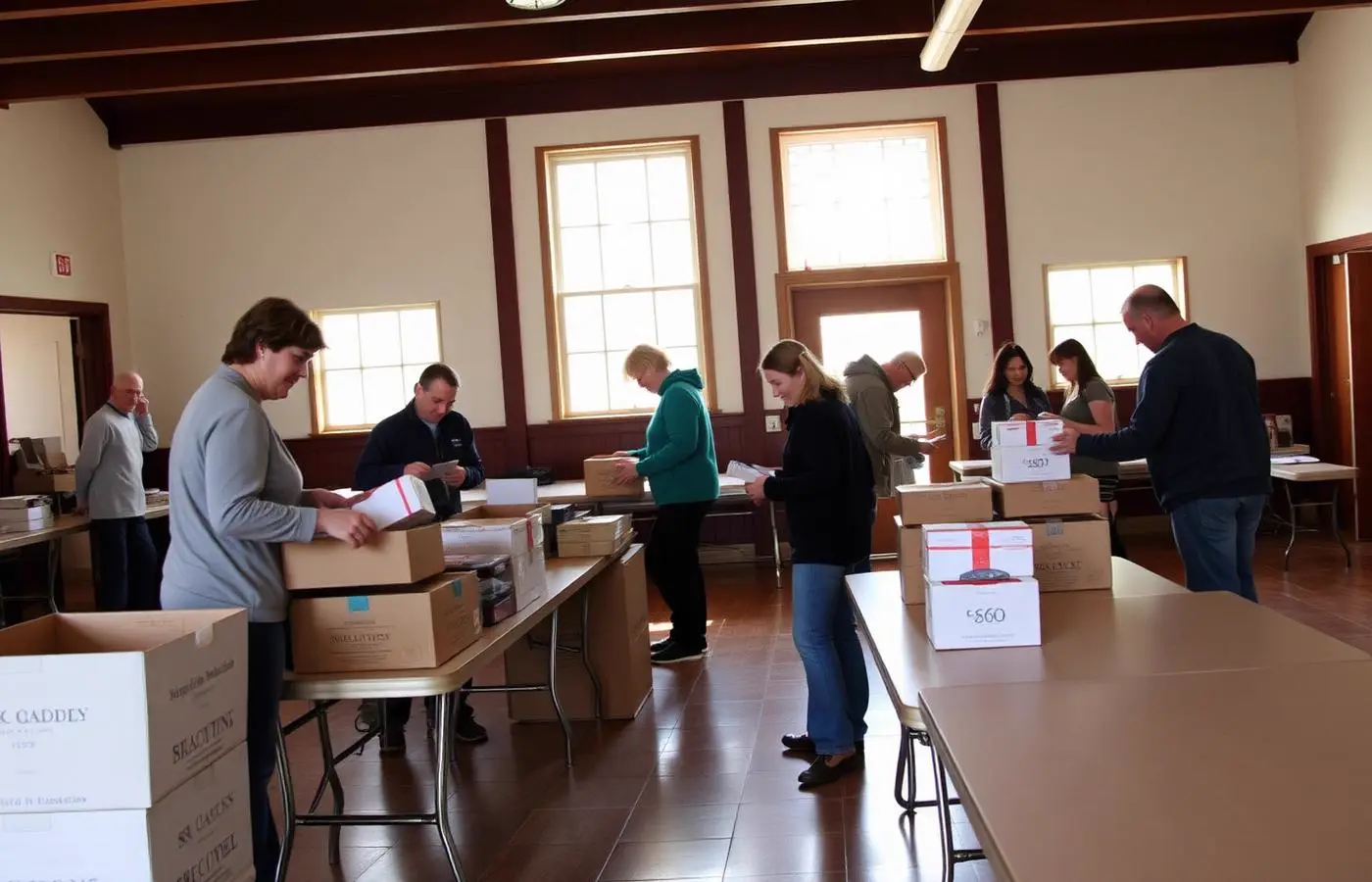
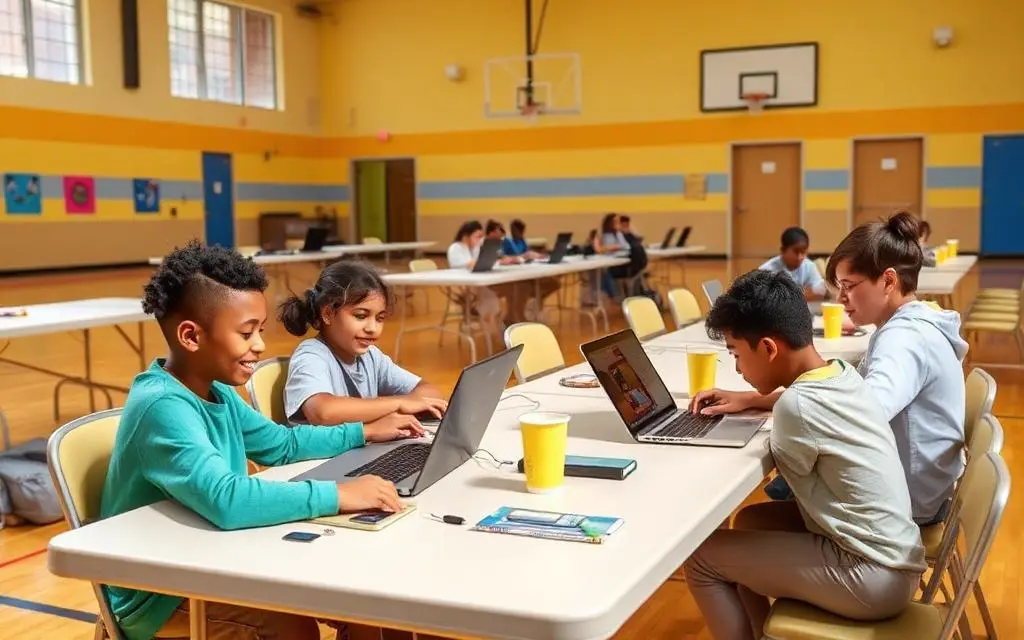
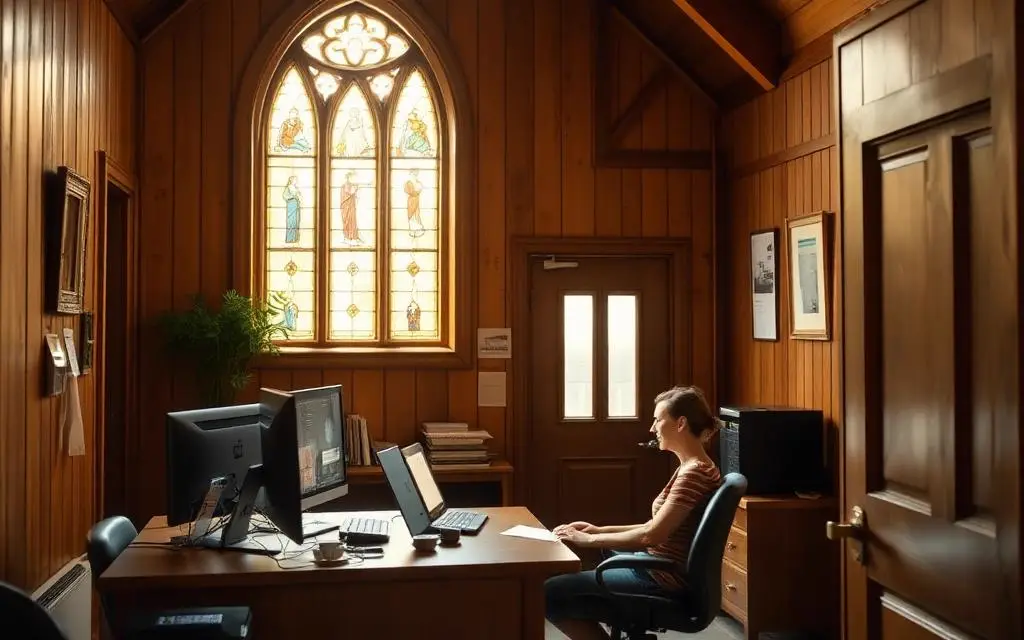
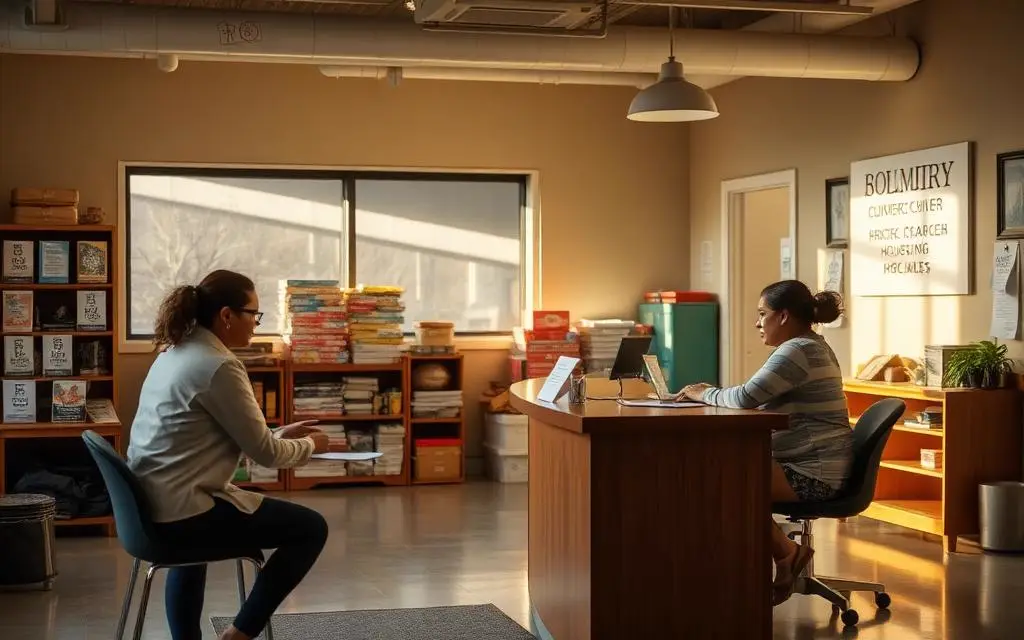
Client names are not published here, and the photography on this page represents organization types rather than specific clients. Organizations that want a reference can ask, and we will arrange it with the organization's permission.

Volunteers organizing donations and setting up tables in a community hall
After-school program with students using laptops in a community center
Youth and after-school
Church office staff member working at a computer
Churches and faith-based
Caseworker meeting with a family in a community outreach office
Community outreach and housing
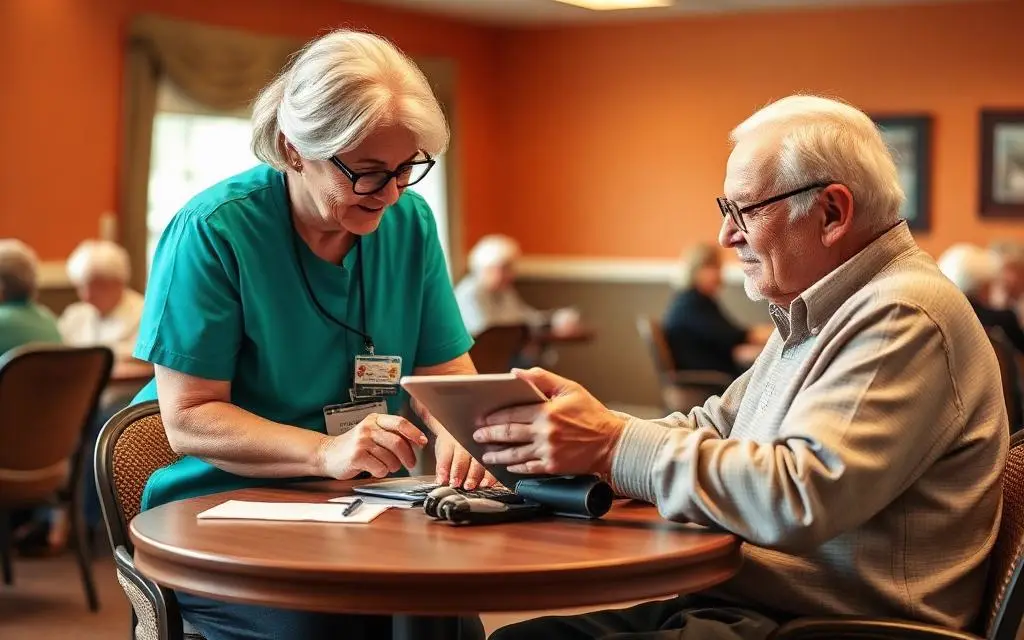
Staff member helping an older adult use a tablet at a senior center
Senior services
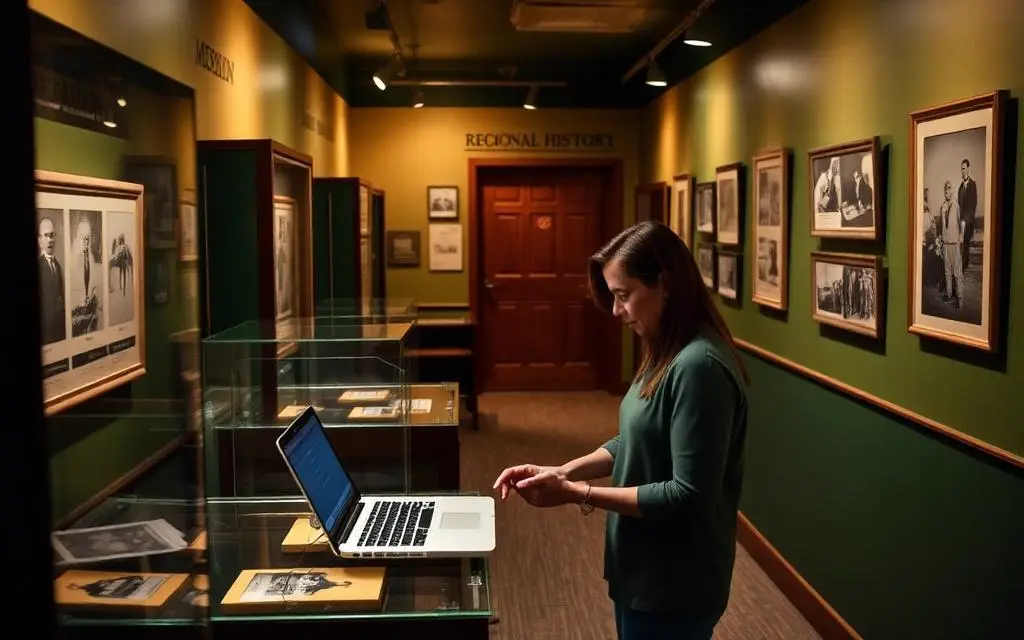
Museum staff member cataloging an exhibit on a laptop
Historical societies and museums
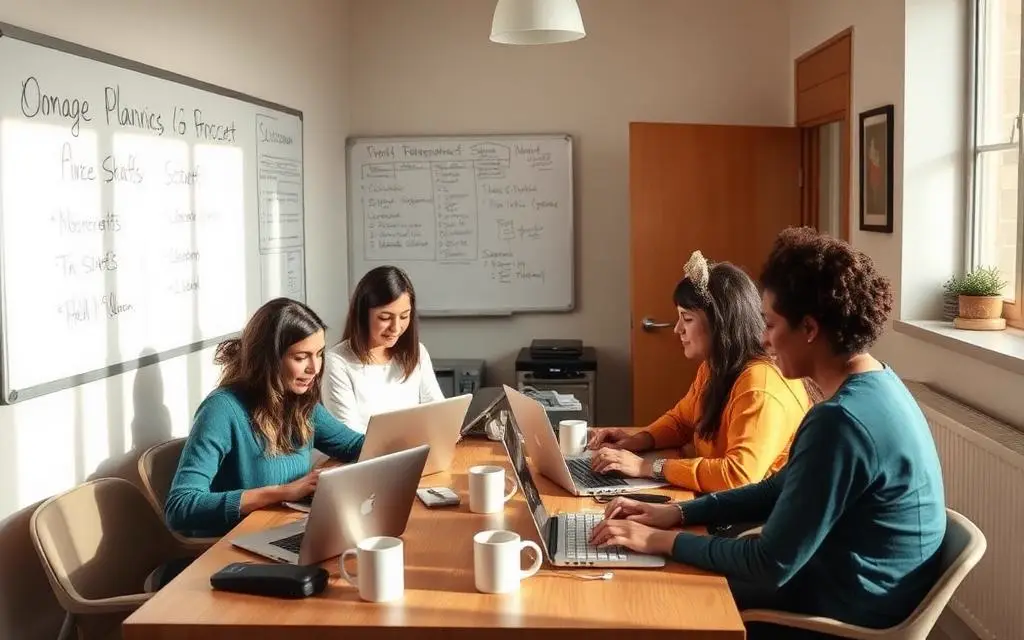
Nonprofit staff and volunteers working together at laptops
Mission-driven staff and volunteers

Technology budgets should not be the reason a mission cannot move forward

Mayer Networks has worked with community organizations in this region since 2006, and that has often meant finding a way to make a project happen when the budget on paper did not reach. Depending on the organization, its mission, its resources and the scope of the work, we may be able to provide special nonprofit pricing, reduced-cost project work, donated assistance or another accommodation.

It is a conversation, not an entitlement, and it is decided case by case. What we will always do is tell you plainly which parts of a project reduce real risk, which parts can wait a budget year, and where the money is best spent first.

Cost-conscious does not mean insecure. The controls that matter most here, MFA, account discipline, managed endpoint protection and tested backups, are also among the least expensive things an organization can do.


Eligible nonprofits may qualify for Microsoft grants and discounts

Microsoft offers special nonprofit programs that may provide eligible organizations with donated or discounted Microsoft 365 and cloud services. Eligibility is determined by Microsoft, program terms change, and the registration and validation steps are completed by the organization itself. What we do is make the resulting environment correct, secure and supported.

  1. Mission
  2. People
  3. Microsoft 365
  4. Security
  5. Backup
  6. Mayer Networks support
Nonprofit staff and volunteers collaborating on laptops in a shared office

Understand the options

Walk through what the nonprofit programs generally cover and what they do not, so the board is deciding with accurate information.

Choose the right licensing

Match plans to what staff and volunteers actually use, rather than over-licensing an organization counting every dollar.

Configure the tenant

Set up the Microsoft 365 environment properly the first time: domains, mail flow, groups, sharing and administration.

Migrate email and files

Move from old hosting, consumer accounts or an aging on-premises server without losing history.

Secure identity

MFA, conditional access, admin separation and an account lifecycle that survives staff and volunteer turnover.

SharePoint and shared files

A file structure and permission model that a small team can maintain without an administrator on staff.

Protect the data

Independent backup of Microsoft 365 data where it is included in the organization's plan, because retention in the tenant is not the same as recovery.

Support the people

Ongoing help for staff and volunteers who need the tools to work, not a training program.

More detail on the environment itself: Microsoft 365, SharePoint and Microsoft 365 Backup.

Built to be manageable by the people who are actually there

The environment has to work for an organization where the person handling technology also runs programs, writes grants and covers the front desk. That constraint shapes the design more than the budget does.

Nonprofit staff working together in a shared office

Accounts that keep up with the roster

Staff, part-time employees, board members and volunteers come and go. Group-based permissions and prompt removal keep access honest without a weekly project.

Caseworker desk in a community services office

Donor and client data with real boundaries

Donation platforms, case files and financial records should not all be reachable by everyone with a login.

Small organization office with a single workstation

Fewer moving parts

Cloud services in place of an aging closet server reduce what can break and what has to be replaced out of a program budget.

Museum staff member cataloging records on a laptop

Recoverable, not just backed up

Restores are tested, including Microsoft 365 data, so a deleted mailbox or encrypted file share is an inconvenience instead of a crisis.

Volunteers setting up tables at a community event

Offices, facilities and events

Service locations, community facilities and seasonal events get connectivity, Wi-Fi and phones that follow one standard instead of five.

Laptops in use at a youth program

Planned replacement

A multi-year hardware plan spread across budget years, sized to what the organization can commit to and defensible to a board.

Where we focus first

  • Microsoft 365 licensing reviewed against nonprofit program eligibility
  • Multi-factor authentication and disciplined account lifecycle for staff and volunteers
  • Backup and recovery for donor, financial, program and Microsoft 365 data
  • Cloud services that remove aging on-premises hardware
  • Security spending sequenced by risk reduction per dollar
  • Support that fits an organization with little or no internal IT capacity

Services that apply

Questions

Frequently asked questions

Still have a question? Call 618-529-4922 or send us the details.

Can our organization get discounted Microsoft licensing?

Microsoft operates nonprofit programs that may provide eligible organizations with donated or discounted Microsoft 365 and cloud services. Eligibility is determined by Microsoft and the registration steps are completed by the organization. We help you understand the options, pick the right licensing, and then configure, migrate, secure and support the environment.

Do you offer nonprofit pricing on your own services?

Depending on the organization, its mission, its resources and the scope of the work, Mayer Networks may be able to provide special nonprofit pricing or other assistance. It is discussed case by case rather than published as a schedule.

Can you help with grant applications?

Yes. We provide technical specifications, scope detail and cost information suitable for grant applications and board approval.

We have very old computers. Where do we start?

Usually identity security and backup, because they reduce the most risk immediately, followed by a phased replacement plan spread across budget years.

Can volunteers be given limited access?

Yes. Accounts are scoped to what the role actually requires and removed promptly when the role ends.

Microsoft nonprofit grant and discount programs are operated by Microsoft. Eligibility is determined by Microsoft, and qualifying organizations complete Microsoft's registration and validation steps themselves. Program terms change over time.

Let's talk about your technology

Tell us what you are running and what is not working. We will tell you plainly what we would do about it.