Mayer Networks

Industries

Technology for Healthcare Organizations

A clinic does not run on one system. It runs on an EHR, a practice management system, imaging, e-prescribing, a patient portal, Microsoft 365, identity, the network underneath all of it, and a set of vendors who each control a piece. Mayer Networks operates the infrastructure, security and recovery around that environment so the clinical systems stay usable during patient care.

What this sector actually deals with

The EHR is one system in a connected environment

Practice management, e-prescribing, the patient portal, telehealth, imaging and Microsoft 365 all touch the same identity, network and internet path. A problem in one rarely stays there, which is why the environment is supported as a whole rather than ticket by ticket.
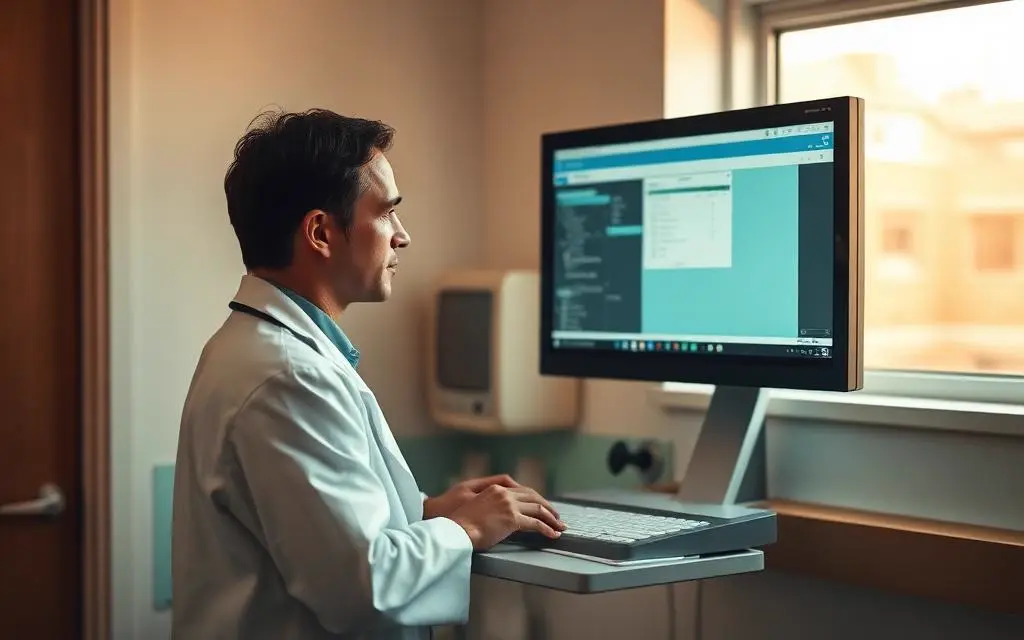
Clinical availability sets the schedule

Providers are working from a room with a patient in it. Maintenance, reboots, firmware and circuit work are planned around clinic hours and provider schedules, and downtime procedures are part of the plan rather than an afterthought.

ePHI depends on technical safeguards, not paperwork

Access control, unique user identification, audit logging, encryption and transmission security are technical safeguards associated with the HIPAA Security Rule. Mayer Networks implements and operates them and documents what is in place; compliance determinations remain with the organization and its compliance advisors.

Imaging and diagnostic systems are not laptops

PACS servers, modality workstations and DICOM-connected equipment often run vendor-controlled or older operating systems that cannot be patched on a normal cycle. Segmentation, restricted access, controlled vendor connections and compensating controls are the realistic answer.

The application vendor controls part of the environment

EHR, imaging and practice management vendors publish requirements for servers, database versions, connectivity, printing and remote access. Working those requirements into a supportable, secured environment is routine work here, not an escalation.

Clinics rarely stay in one building

Additional clinics, satellite offices and providers rotating between sites need one identity, one set of security standards, connectivity sized for the shared EHR, and support that does not depend on which building someone is standing in.

The EHR is only one part of the clinical environment

The EHR gets the attention because it is what clinical staff look at all day. It is also the system most dependent on everything else working. Mayer Networks operates the infrastructure underneath the clinical environment and coordinates with the vendors who own the applications on top of it.

EHR / EMR

Charting, orders and documentation used during the visit.

Practice management

Scheduling, registration, eligibility and billing.

PACS / imaging

Modalities, DICOM traffic, storage and reading workstations.

Pharmacy / e-prescribing

Prescription routing that depends on identity and internet path.

Patient portal / telehealth

Patient-facing access, video visits and messaging.

Microsoft 365

Email, files, Teams and the identity behind most sign-ins.

Identity & MFA

Who each account is, and what it is allowed to reach.

Network & Wi-Fi

Wired clinic network, clinical carts, tablets, guest separation.

Cybersecurity

Endpoint protection, email security, segmentation, monitoring.

Backup & recovery

Clinical, imaging, business and Microsoft 365 data.

Vendor access

Application and equipment vendors connecting in, with limits.

A slow chart is often a DNS, storage, wireless or circuit problem rather than an application problem. Diagnosing that difference is the difference between a fix and a ticket forwarded to the vendor.

Provider charting at an exam-room workstation
Exam room
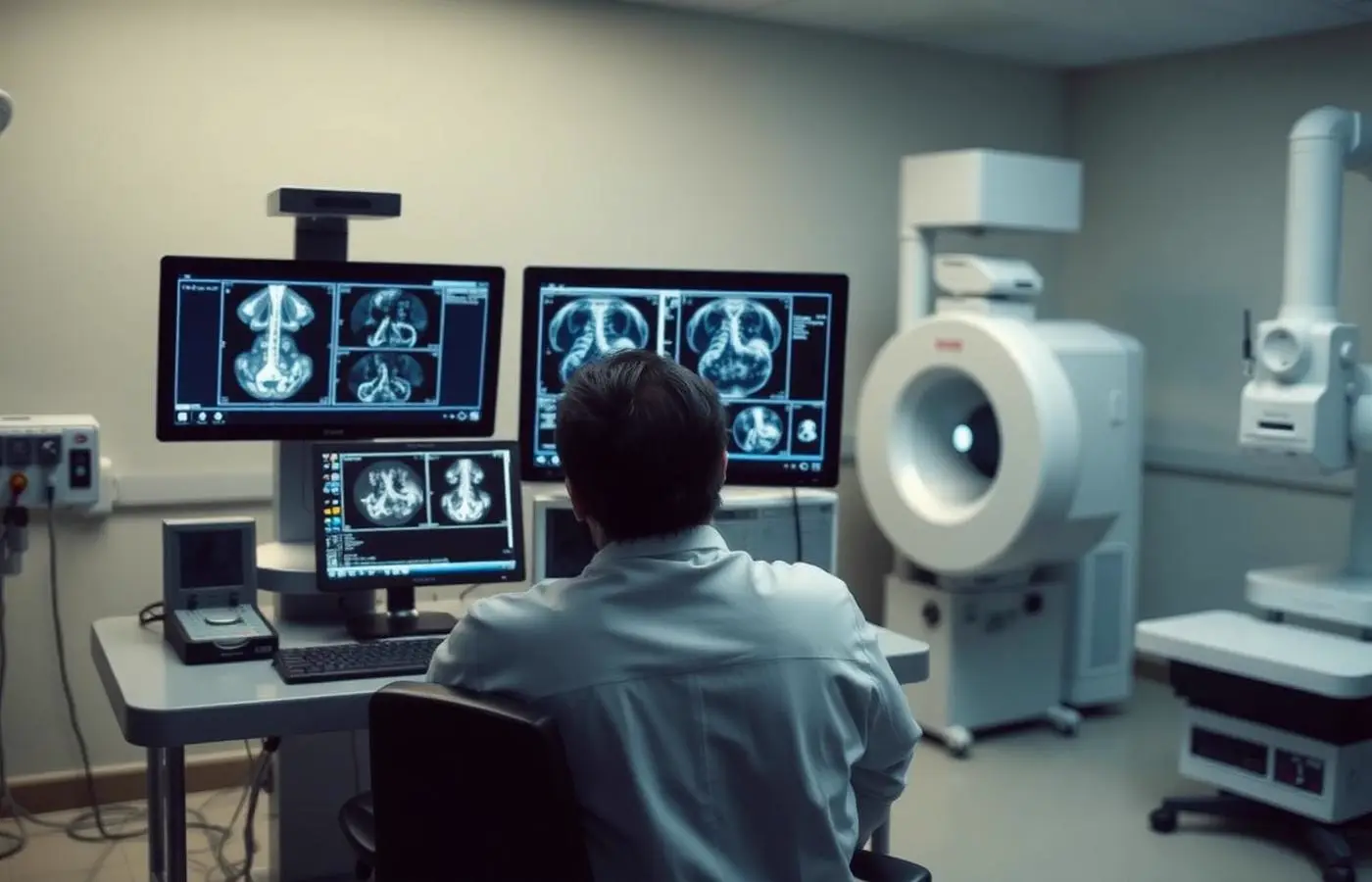
Radiology reading room workstations
Imaging
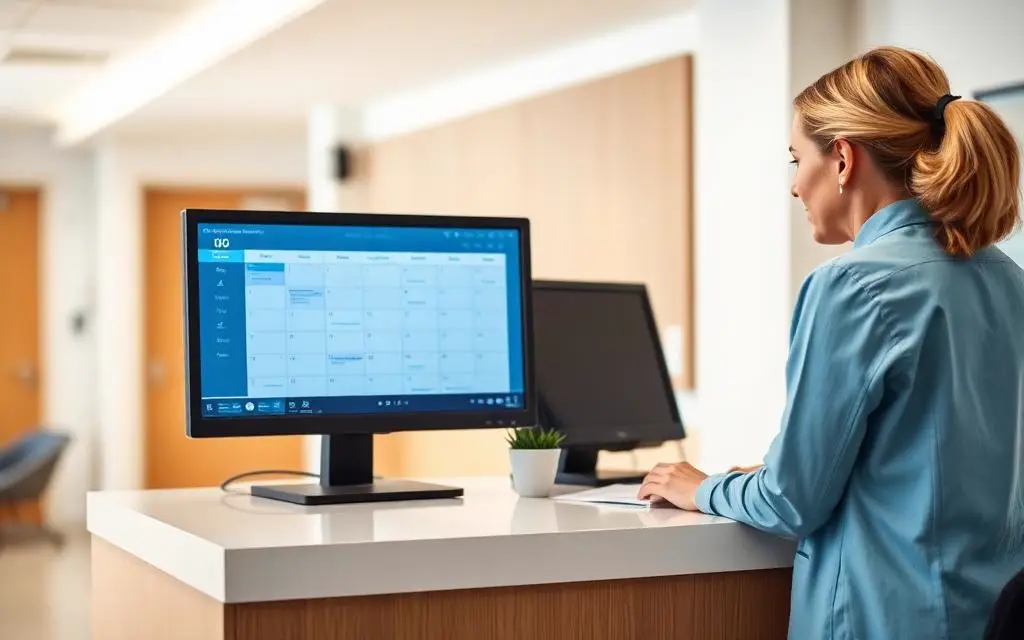
Clinic front desk checking in a patient
Front desk
Clinician on a telehealth video visit
Telehealth

The healthcare vendor owns the application. Someone still has to own everything around it.

We have supported organizations running major clinical platforms, including environments built on Epic, eClinicalWorks, Allscripts and NextGen. We do not develop, resell or provide application-level support for those products. We manage the environment the application cannot run without, and we speak the vendor's technical language when their team is on the call.

  • Windows Server and SQL Server versions the vendor supports
  • Database maintenance, storage and performance
  • DNS, DHCP, routing and firewall rules the application requires
  • Identity, accounts and MFA for clinical users
  • Secure, logged remote access for vendor engineers
  • Workstations, clinical carts, scanners and label printing
  • Internet connectivity and interface traffic to outside systems
  • Backups, restore testing and recovery order

We may not own the application. We understand the environment it depends on, and we stay on the call until the responsibility is settled rather than handed back and forth.

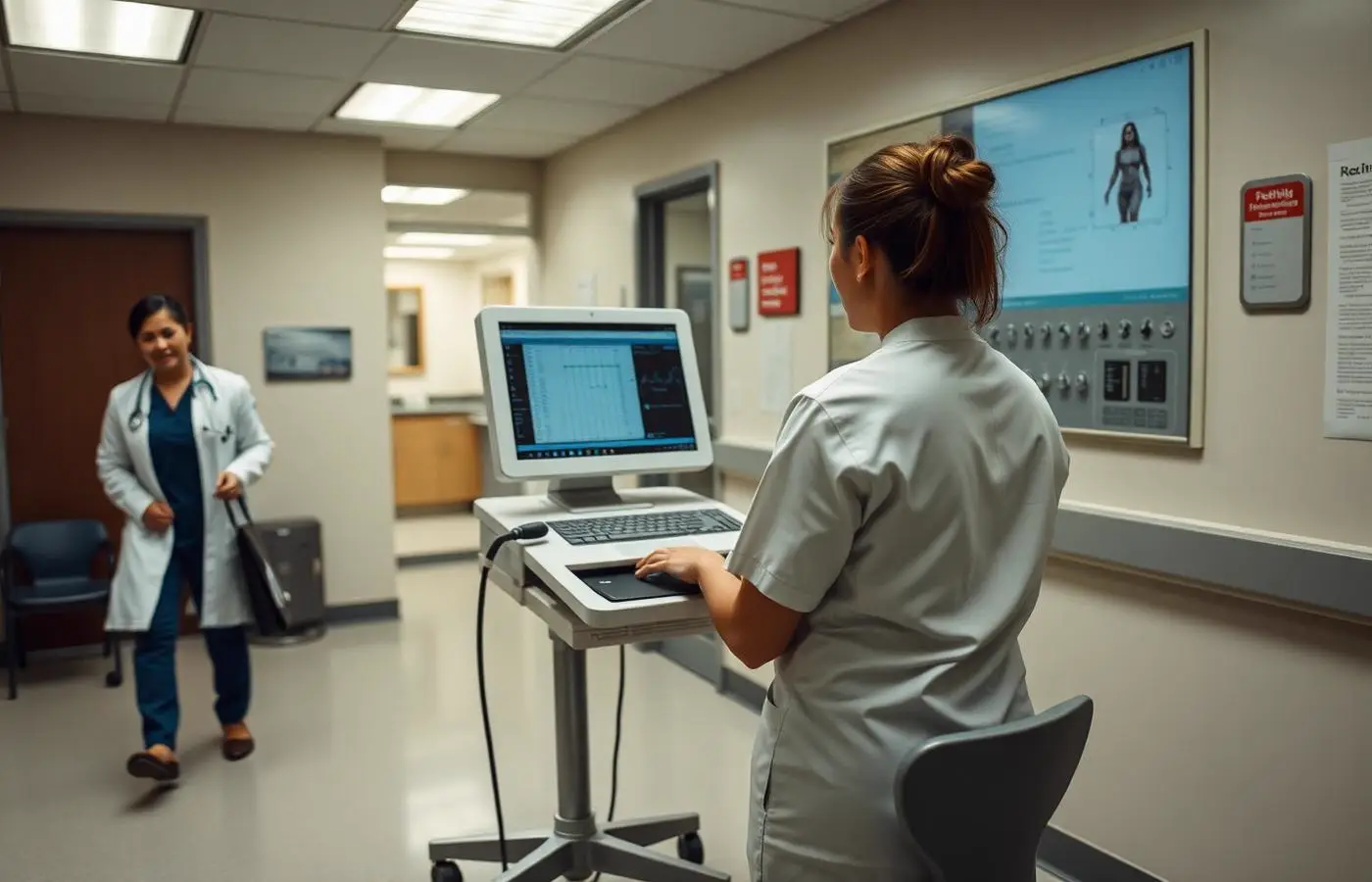
Clinical staff working at a workstation on wheels in a medical clinic hallway

When clinical technology stops, patient care feels it

Availability planning in a clinic is not abstract. Each failure has a specific operational consequence, and recovery order is decided before an outage rather than during one.

Provider entering notes at a clinic workstation

Providers cannot reach the chart

Documentation moves to paper and has to be reconciled later, which costs more time than the outage itself.

Diagnostic imaging reading workstations

Imaging is unavailable

Studies queue, reading is delayed, and modality storage keeps filling while the link stays down.

Pharmacist reviewing a prescription order at a counter workstation

E-prescribing is interrupted

Prescriptions stop routing, and staff fall back to slower manual processes with the patient still waiting.

Clinic front desk checking in a patient

Scheduling and registration are down

The front desk cannot confirm eligibility or check patients in, and the delay follows every appointment for the rest of the day.

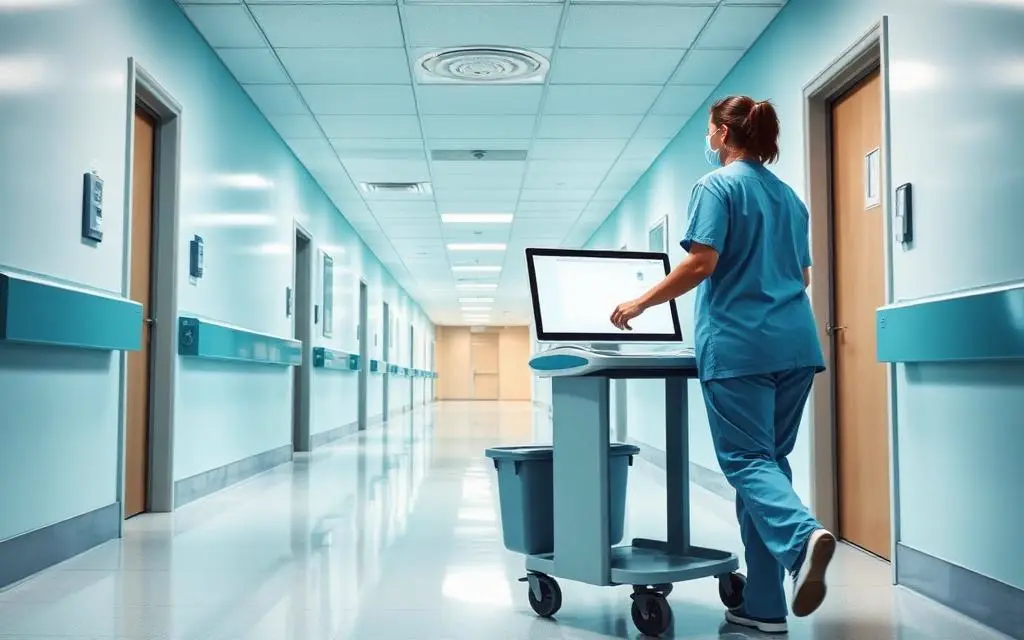
Nurse moving a computer cart through a clinic corridor

A satellite clinic loses its circuit

That site loses the shared EHR even though the application is fine. Failover behavior should already be defined.

Clinical workstation on wheels in a clinic hallway

Printing and scanning fail

Labels, orders, referrals and scanned documents stall, which quietly stops workflows nobody thinks of as clinical.

Recovery planning includes the downtime procedure itself: what staff do while systems are being restored, what gets restored first, and how the paper record gets back into the system afterward. See Backup & Data Protection and Disaster Recovery & Failover.

Radiology reading room with diagnostic imaging workstations

Not every device in a healthcare environment can be managed like a laptop

Modality workstations, diagnostic systems and vendor-controlled appliances frequently run older or locked operating systems that the equipment vendor will not allow to be patched or protected the ordinary way. Pretending otherwise creates either an unsupported machine or a broken warranty.

  • Segment the device away from general user and guest traffic so its exposure is limited to what it must reach.
  • Restrict which systems can talk to it, in which direction, and log those connections.
  • Gate vendor access behind identity and approval instead of a permanent open tunnel.
  • Apply compensating controls and monitoring where patching is not permitted, and document the reason.
  • Plan maintenance and replacement with the equipment vendor rather than during a normal patch window.

Protecting ePHI is a set of working controls, not a binder

Mayer Networks helps implement and operate technical safeguards that support the organization's security and compliance responsibilities. What that looks like day to day:

Identity & MFA

Unique accounts, enforced MFA, no shared clinical logins where it can be avoided.

Access management

Role-based access, review when staff change roles, prompt removal at departure.

Endpoint protection

Managed protection on workstations, laptops and clinical carts.

Email security

Filtering, domain authentication and handling of patient information in messages.

Segmentation

Clinical devices, imaging, guest Wi-Fi and administrative systems kept apart.

Remote access

Identity-based provider access and gated, logged vendor connections.

Logging & monitoring

Security telemetry that makes an incident reconstructable.

Backup & recovery

Protected copies and tested restores for clinical and business data.

Device management

Encryption, patching and configuration standards across managed endpoints.

We document what is in place so it can be used in a risk analysis, an insurance application or a client audit. Compliance determinations remain with the covered entity and its compliance advisors.

Several clinics, one environment

Growth in healthcare usually arrives as another building. The mistake is letting each one become its own technology environment with its own firewall, its own backup job and its own way of doing things.

  • One identity directory, so a provider rotating between sites signs in the same way everywhere
  • Site connectivity sized for the shared EHR and imaging traffic actually crossing it, with defined failure behavior
  • The same endpoint, patching and MFA standards at the small clinic as at the main office
  • One phone system with a single extension plan and per-site emergency addressing
  • Wireless designed per building rather than copied from the last one
  • Backup coverage that includes the satellite office nobody remembers
Clinical cart and wireless coverage in a clinic corridor

Where this continues

The services healthcare organizations reach for most often, in the order the conversation usually goes.

Where we focus first

  • Identity, MFA and access review across clinical and administrative accounts
  • Segmentation for imaging, diagnostic and vendor-controlled devices
  • Controlled, logged remote access for providers and application vendors
  • Backups with tested restores for clinical, imaging and business systems
  • Wi-Fi and network design sized for clinical carts, tablets and guest traffic
  • Documentation of implemented safeguards for risk analysis and insurers

Services that apply

Questions

Frequently asked questions

Still have a question? Call 618-529-4922 or send us the details.

Are you HIPAA certified?

There is no HIPAA certification for a vendor. We implement, operate and document technical safeguards, and we can enter a business associate agreement where appropriate. Compliance determinations remain with the covered entity and its compliance advisors.

Do you work with EHR platforms like Epic, eClinicalWorks, Allscripts or NextGen?

We have supported organizations using major healthcare platforms, including environments running Epic, eClinicalWorks, Allscripts and NextGen. The vendor owns the application. We manage the servers, database platform, network, identity, workstations, printing, remote access and backups the application depends on, and we coordinate with the vendor's technical teams.

How do you handle imaging equipment that cannot be patched?

Segmentation away from general user traffic, restricted and logged access, monitoring, and a maintenance plan agreed with the equipment vendor. Where patching is not possible, compensating controls are documented.

Can clinical applications be hosted?

Some can, after evaluation and confirmation of the vendor's supported deployment model. We confirm the vendor's position before anything moves.

Can you support several clinic locations?

Yes. Multiple sites are treated as one environment: shared identity, consistent security standards, site connectivity sized for the applications crossing it, one phone system, and remote support for every location.

Healthcare platform names are referenced to describe environments Mayer Networks has supported. Mayer Networks does not develop, resell or provide application-level support for those products and asserts no certification or vendor partnership. Mayer Networks implements and documents technical safeguards; it does not certify HIPAA compliance.

Let's talk about your technology

Tell us what you are running and what is not working. We will tell you plainly what we would do about it.