

End-user computing
- Business desktops
- Laptops
- Workstations
- Monitors
- Docking stations
- Keyboards, mice and accessories
- Dell
- HP
Managed IT
Mayer Networks helps organizations select, procure, configure, deploy, track and replace technology across its full lifecycle, so leadership knows what needs to be replaced, when it needs to happen and roughly what it is likely to cost before the equipment forces the decision.
Procurement covers the equipment we are going to be responsible for afterward. That is deliberate: the team choosing the hardware is the team supporting it.
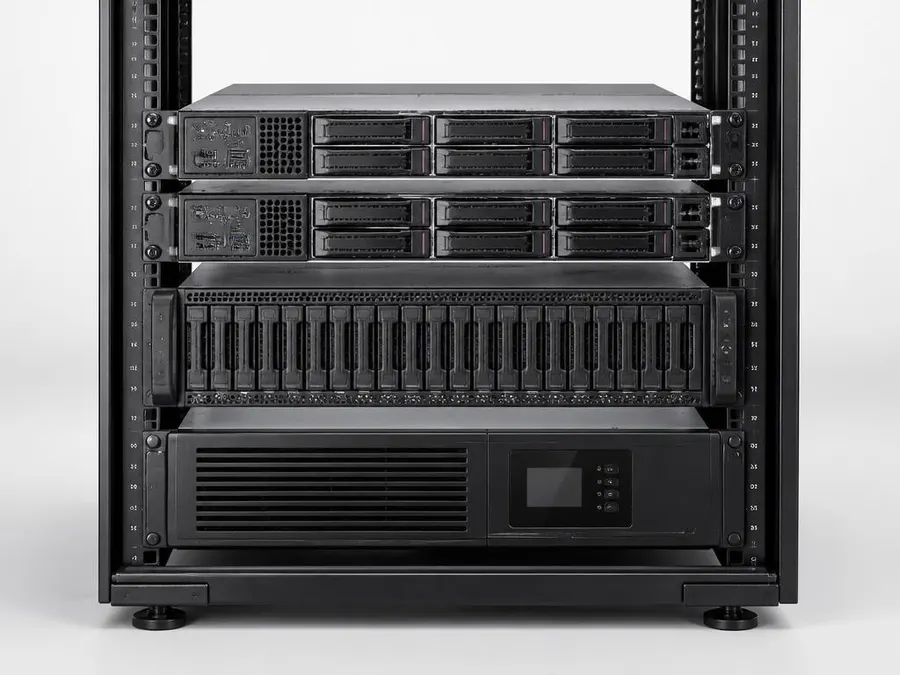
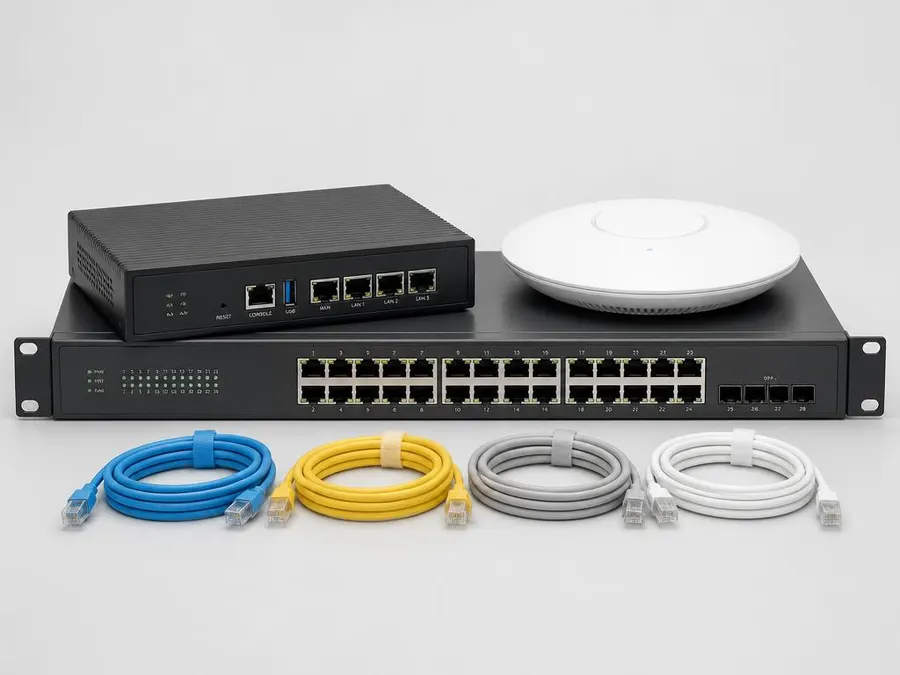
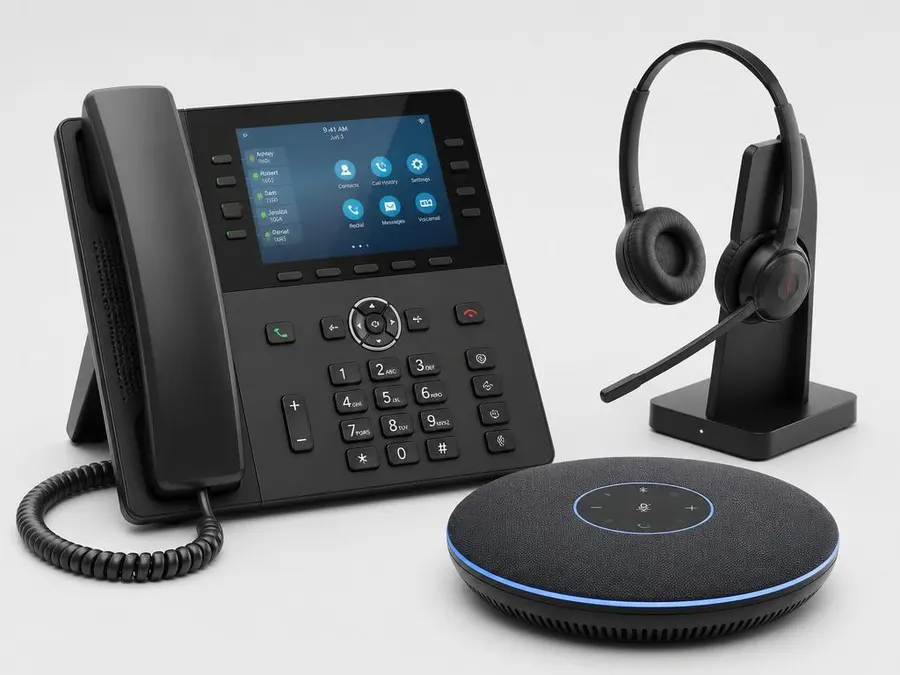
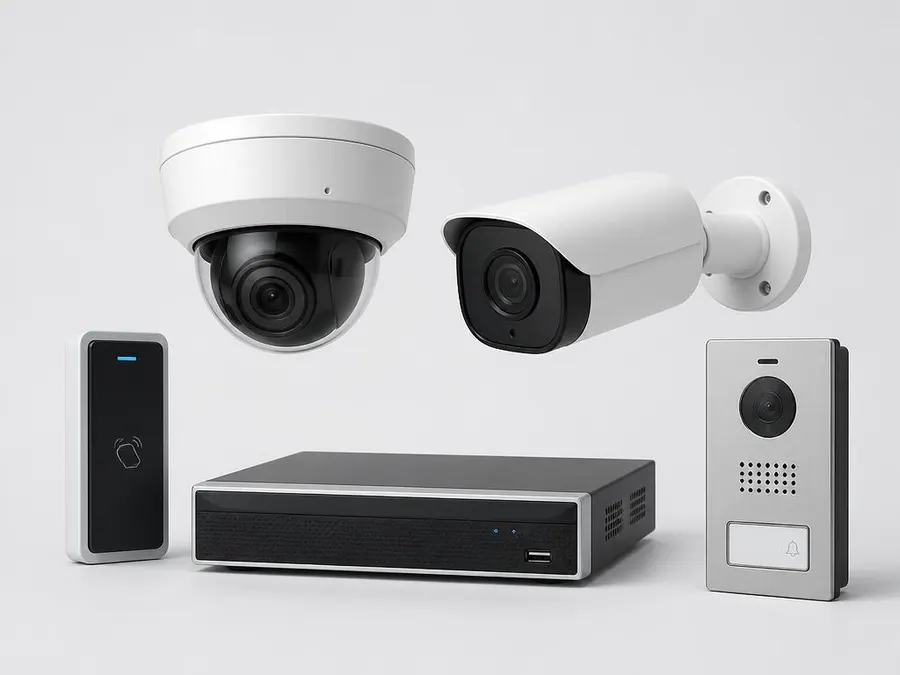
Photography is illustrative of the equipment class rather than a specific model. What gets specified depends on the environment.

Configured before it ships to a desk
Equipment is imaged, secured and joined to the environment before anyone unboxes it, so a refresh is a scheduled swap rather than a day of downtime.
Equipment is sourced from established business and enterprise manufacturers through authorized distribution, not from consumer retail. The right manufacturer depends on the environment, so not every client runs the same equipment.
Dell Preferred Partner
Dell
Business desktops, laptops, PowerEdge servers and storage.
Partner status affects sourcing, configuration options and warranty handling. It does not decide the recommendation on its own.
HP
Business desktops, laptops, workstations and printing hardware.
Microsoft
Windows, Windows Server, Microsoft 365 and related licensing.
Cisco
Switching, routing and enterprise network infrastructure.
Ubiquiti / UniFi
Switching, wireless, gateways, cameras and door access hardware.
How equipment gets chosen
Manufacturer names are shown as text rather than reproduced brand marks. All trademarks belong to their respective owners.
Government organizations usually operate on formal annual budget and approval cycles. When a major replacement need appears after the budget has been set, the project can sit for an entire fiscal year, and the equipment does not stop aging while it waits.
Lifecycle planning gives department heads, administrators, commissioners and boards visibility into major technology expenditures before the next budget is finalized: equipment approaching replacement, warranty expirations, aging server and storage infrastructure, workstation refresh volume, network replacement and hardware changes driven by cybersecurity requirements.
The objective is not to spend more on technology. It is to give leadership enough information early enough to make a defendable decision, and to document why the request exists when it reaches a public meeting.
Step 1
We inventory what exists, record age and warranty status, and define a small set of equipment classes so future purchases are decisions already made rather than debates repeated.
Step 2
Equipment is specified for the workload, quoted, ordered and prepared before it ships to the desk: operating system, security tooling, applications and policy.
Step 3
Installation and integration happen on a schedule that fits operations, and the device joins the managed environment where it is monitored, patched and supported.
Step 4
Age, warranty and support status stay current, and recurring reviews turn that data into a replacement forecast leadership can put in a budget.
Hardware moves through the same nine stages whether or not anyone is managing them. Managing them is what turns replacement into a schedule instead of an emergency.
Determine requirements from workload, users, applications, security requirements and expected growth.
Reduce unnecessary hardware variation where practical so support, imaging and replacement stay predictable.
Source business and enterprise equipment from established manufacturers and authorized distribution.
Prepare the operating system, security tooling, applications and policies before the device reaches the user.
Install and integrate the equipment into the environment, including data, peripherals and network configuration.
The device becomes part of the managed environment: monitored, patched, protected and supported.
Record age, warranty status, configuration and the year replacement is expected.
Identify upcoming replacement needs before they are urgent, and put them in front of leadership early.
Replace aging technology on an intentional schedule instead of waiting for a failure to set the date.
The cycle repeats. Refresh feeds the next assessment, which is why lifecycle data is worth keeping accurate between projects.
Organizations accumulate one-off purchases: different models, inconsistent specifications, mismatched warranty terms, consumer hardware bought by a department in a hurry. Every variation adds support time. Defining a small number of equipment classes fixes that without locking anyone into a single product forever.
Email, Microsoft 365, line-of-business applications and browser work. Consistent spec, consistent image, fastest to replace.
Large spreadsheets, multiple applications, heavier local processing, more memory and faster storage.
Field, remote and hybrid staff. Weight, battery, docking and endpoint security matter more than raw specification.
CAD, imaging, GIS or design workloads with certified graphics and a longer procurement lead time.
Host, storage and network platforms sized for the workload with warranty terms that match the intended service life.
The specific model behind each class changes as manufacturers update their lines. The class itself is what keeps deployment, warranty management and replacement planning predictable.
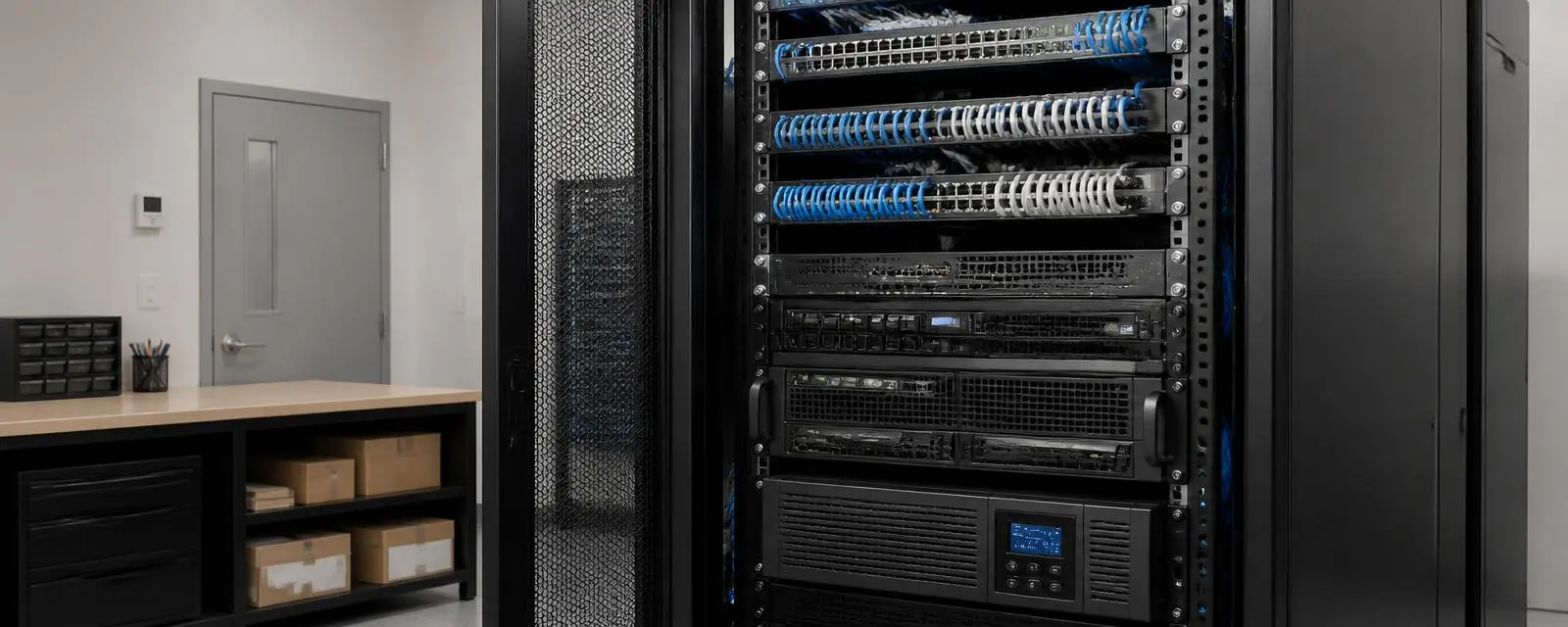
Infrastructure has a replacement date too
Switches, firewalls, servers, storage and power protection age on their own schedule. Tracking them is what keeps a whole rack from coming due in one budget year.
When nobody is tracking age and warranty, replacement needs surface together: dozens of workstations, a server cluster and the network all reaching the end of their useful life in the same budget cycle. Forecasting spreads that work out and puts the critical infrastructure first.
Year 1
Year 2
Year 3
Year 4
Illustrative only. Useful life varies by equipment type, workload and environment, and every forecast is built from the actual inventory rather than a fixed replacement interval.
Public bodies commit funds on a fiscal schedule and answer for what was requested. Lifecycle tracking gives a department the replacement figure early enough to put it in the request, rather than asking for an unbudgeted purchase after something fails.
Inventory records what is in service, how old it is and when warranty coverage ends.
Equipment expected to reach the end of its useful life is grouped by year.
Those needs are written into the department request while the budget is still being drafted.
Leadership and the board review a known number instead of an unplanned request mid-year.
Work is scheduled around the fiscal calendar rather than around a failure.
The point is visibility, not a purchase. A department that knows what is coming due can plan for it, phase it, or defer it deliberately.
How equipment is acquired is a budget decision, not a technical one. There is more than one path, and the right one depends on the project, the fiscal calendar and what the organization is trying to protect.
Capital expenditure
Traditional acquisition. The organization buys the equipment outright and owns it.
Spread the cost
Qualified customers may be able to spread a technology purchase across predictable payments instead of paying the full project cost upfront.
Predictable monthly
Eligible Mayer Networks managed-services customers can fold hardware into a predictable monthly technology strategy rather than treating every refresh as a new capital event.
Availability, terms and eligibility depend on the project and the customer, and are reviewed directly rather than published here.
A shipped box is the least useful part of a hardware project. What matters is that the equipment was specified for the workload, configured before it arrived, integrated correctly, supported afterward, covered by a warranty someone is tracking, and replaced on a schedule leadership already knew about.
Selection
Specified for the workload
Procurement
Authorized distribution
Configuration
Imaged and secured
Deployment
Installed and integrated
Support
Monitored and patched
Warranty
Coverage tracked
Lifecycle
Age on record
Replacement
Planned, not urgent
Lifecycle management is mostly bookkeeping done consistently. For each significant device we keep the purchase date, model, configuration, warranty end, manufacturer support status, operating-system support horizon and the year replacement is expected. None of that is difficult. It is only useful if someone maintains it between projects, which is the part that usually stops happening.
With that record in place, questions that normally take a week of guessing become answerable in a meeting: how many workstations fall out of support next year, whether the host cluster can carry another virtual machine, whether the firewall renewal is worth paying on a device already past its useful life.
Warranty status is part of the risk picture, not a filing detail. A production server past warranty is a parts-availability problem waiting for an inconvenient day, and a fleet of laptops whose coverage quietly expired turns every hardware failure into a full replacement decision.
Where a device is expected to stay in service longer than its standard coverage, and the manufacturer offers it, we can recommend extended warranty terms so protection matches the intended lifecycle. Coverage options are not available on every product, and we say so rather than implying otherwise.
Hardware planning belongs in the same document as everything else the organization is going to spend technology money on. A roadmap that shows a workstation refresh, a server replacement, a storage expansion, a network upgrade, a Microsoft migration, a backup improvement and a camera project on the same multi-year view is the difference between a strategy and a stack of unrelated quotes.
That is also why hardware lifecycle work sits inside managed IT rather than beside it. Monitoring, patching, cybersecurity, Microsoft 365, network management, backup and disaster recovery all depend on the physical equipment underneath them, and each of them can force a hardware decision. A provider that maintains today's environment should be the one telling you what tomorrow's costs.
Yes, but procurement is one stage of a longer service. We specify the equipment, source it through authorized distribution, configure and deploy it, support it for its useful life and plan its replacement. Buying the box is the easy part.
No. Clients can purchase equipment however they prefer. We will still specify what fits the environment, and we ask to review the specification first so we are not supporting hardware that was never suitable for the workload.
It depends on workload, environment and support status rather than a fixed number. Useful life is usually set by whichever comes first: performance, warranty expiration, operating-system support or a security requirement. We track all four per device instead of assuming a uniform replacement interval.
Primarily Dell, HP, Microsoft, Cisco and Ubiquiti/UniFi, along with the backup, storage and security manufacturers already deployed in the environment. Mayer Networks is a Dell Preferred Partner. The manufacturer is selected around the environment, so not every client runs the same equipment.
Yes. That is the point of tracking age and warranty. We produce a forecast showing what should be replaced this year, next year and in the years after, so replacement projects can be spread out and prioritized rather than landing together.
Hardware as a Service lets eligible managed-services customers include equipment in a predictable monthly technology strategy instead of treating every refresh as a separate capital event. Eligibility, scope and terms are reviewed with each customer directly.
In many cases, yes. Qualified customers may be able to spread a project across predictable payments rather than paying the full amount upfront. Availability and terms depend on the project and the customer.
We track warranty status as part of the asset record and flag expirations ahead of time. Where coverage matters and the manufacturer offers it, we can recommend extended warranty terms that match the intended service life. Availability varies by product.
Tell us what you are running and what is not working. We will tell you plainly what we would do about it.