

Confidentiality is a professional duty
Protecting client information is an ethical obligation, which makes access control, encryption and incident preparation part of practice management.
Industries
Law firms hold confidential client information under professional obligations, work from documents and email above all else, and cannot afford a compromise that becomes a client notification. Mayer Networks supports the systems and controls that protect that work.
Protecting client information is an ethical obligation, which makes access control, encryption and incident preparation part of practice management.
Case files, correspondence and filings live in document management systems, SharePoint or file shares. Structure, permissions and search directly affect billable time.
Fraudulent settlement and wire instructions target legal practices specifically. MFA, filtering, authentication records and payment verification procedures matter more than any single tool.
Matter files carry retention obligations. Backup retention and archiving should reflect the firm's records policy rather than a default setting.
Court, home and travel access must be secure without being unusable, which means identity-based access rather than shared credentials.
Practice management platforms dictate infrastructure and integration requirements; hosting them may be an option after evaluation.
Most incidents at a firm do not begin with malware on a server. They begin with a mailbox: a credential that was reused, a login that was not protected by MFA, or a message that looked exactly like the one it was imitating. Legal practices are targeted specifically because funds move on written instructions.
Attorney impersonation
A lookalike domain or spoofed display name sending instructions in an attorney's voice.
Compromised credentials
A valid sign-in from somewhere new, with mailbox rules quietly hiding replies.
Changed payment instructions
Settlement or invoice wiring details altered late in a matter, mid-thread.
Client impersonation
A message from the client's compromised account, referencing the real matter.
Malicious attachments
Documents that look like filings, orders or discovery arriving from outside.
Account takeover
Forwarding rules and delegate access left behind after the password is reset.
The controls work together rather than individually: enforced MFA and conditional access on identity, email security with domain authentication, monitoring that notices the impossible login and the new forwarding rule, and a payment-verification procedure that never relies on email to confirm email.

Matter records, calendaring, time and billing platforms with their own server, database and integration requirements. The vendor owns the application; we run the platform under it.

Matter-centric structure, permissions that reflect ethical walls, version history and search that lawyers will actually use instead of working around.

Filing portals depend on the firm's browsers, PDF handling, scanning and internet path. A filing deadline is not the moment to discover the scanner profile changed.
Large productions, exports and vendor platforms create storage, transfer and retention decisions that should be planned rather than absorbed by a workstation.
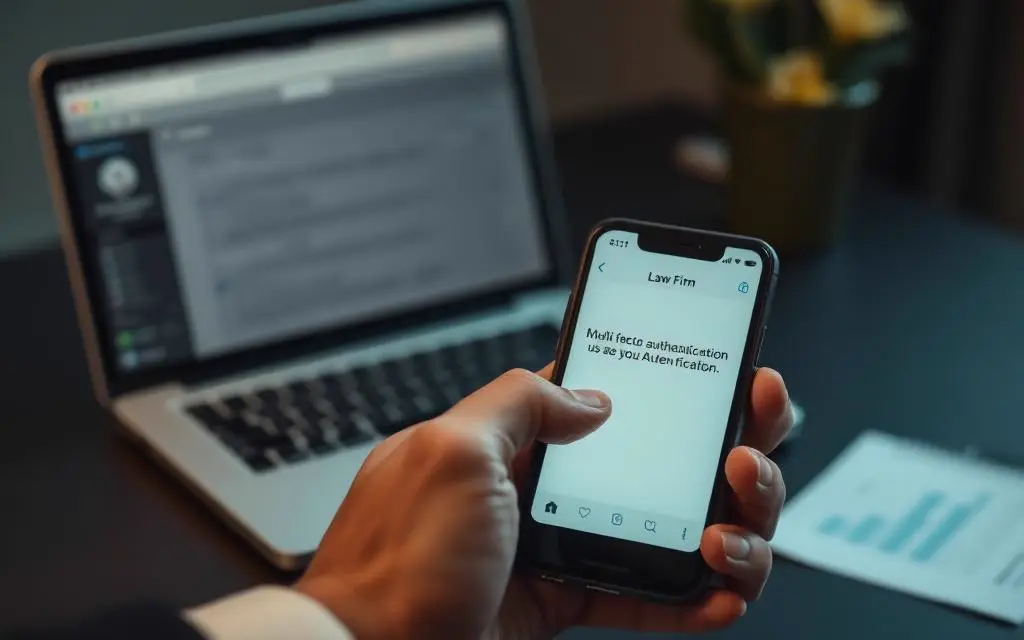
Enforced MFA, conditional access and mail-flow protection on the accounts that carry client instructions and payment detail.

Court, deposition, home and travel access through identity-based remote access and, where useful, hosted desktops that behave the same in every office.
Firms with more than one office get one identity, one document structure and one set of security standards across all of them, so a matter does not behave differently depending on which office opened it.
Often yes, after evaluating the application and confirming the vendor's position on hosted deployment.
Technical controls such as MFA, filtering and domain authentication, combined with a verification procedure for payment changes that does not rely on email.
Yes.
Yes. Corporate clients increasingly send security requirements to their outside counsel, and we help answer them accurately.
Tell us what you are running and what is not working. We will tell you plainly what we would do about it.