
Communications
Meet Without Paying for Three Meeting Platforms
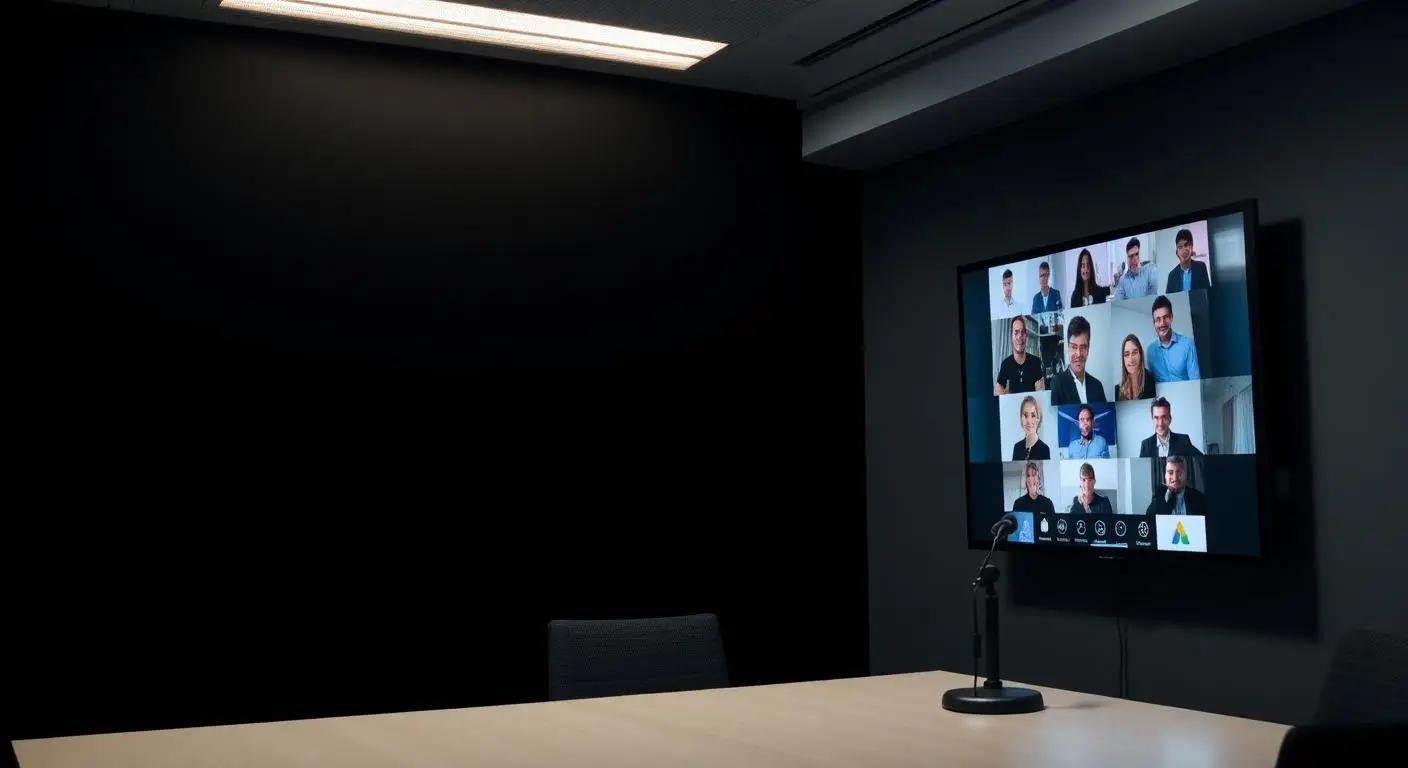
Most organizations accumulated their meeting tools rather than choosing them, and now every invitation looks different and someone spends the first four minutes of each meeting helping a participant get in. Where the communications platform includes meetings, audio conferencing, video, screen sharing and browser join can come from the same environment as the phones. Capabilities differ by platform, so we scope it rather than assume it.
Fewer tools
One fewer subscription, one fewer thing to explain
Most organizations did not choose to have three meeting platforms. They accumulated them, one department at a time, and now every meeting invitation looks different and somebody spends the first four minutes helping a participant get in.
Where the selected communications platform includes meeting capability, it can absorb a good share of that. Capabilities differ between platforms, so we confirm what a given deployment includes rather than promising a feature set that belongs to a different product.
- Audio conferencing for internal calls
- Video meetings with staff who are not in the building
- Screen sharing for training and troubleshooting
- Board and committee meetings with remote participants
- Customer and vendor meetings without travel
- Meetings joined from a browser by people outside the organization
Who this fits
- Organizations paying separately for meetings and phone service
- Boards and committees that meet with remote participants
- Teams supporting clients or staff who cannot travel
- Offices coordinating across several buildings
What breaks first on old phone systems
- A separate meeting subscription for every department
- Participants who cannot join without installing software
- Conference bridges nobody can remember how to start
- Meetings that fail because of the network rather than the platform
What is included
- Audio conferencing, scheduled or ad hoc
- Web meetings joined from an application or a browser where supported
- Video where the platform and licensing include it
- Screen sharing and remote collaboration where supported
- Meeting invitations tied to the same user accounts as the phone system
- Conference room audio and endpoint recommendations
- Network preparation so meetings do not compete with voice traffic
How a phone cutover runs
Step 1
Confirm what the platform includes
Meeting capability, participant counts and video features vary by platform and licensing. We verify against the current offering instead of a marketing page.
Step 2
Fit it to how you meet
A board that meets monthly with public participation has different needs than a team doing daily internal standups.
Step 3
Prepare the room and the network
Conference room audio, cameras and bandwidth are as decisive as the software.
Step 4
Train and support
Hosting, inviting, sharing and admitting participants are covered so meetings do not start with five minutes of troubleshooting.
Supported by people who know your business
Mayer Networks VoIP customers are supported by the same Southern Illinois technology team that manages their network and IT environment. When something goes wrong, the conversation does not start with a national call center reading a script and asking what a firewall is.
Local engineers, remote support for the things that can be fixed remotely, and onsite capability for the things that cannot. Mayer Networks has been supporting organizations in this region since 2006, and the people answering your call already know how your system is built.
Why Mayer Networks
- Meetings and calling live in one platform under one set of user accounts
- The network and internet that meetings depend on are managed by the same team
- Capabilities described accurately for the platform and tier you are buying
- One organization accountable for support, engineering, security, infrastructure and communications.
Security considerations
- Meeting access controls configured: waiting rooms, passcodes and host controls where supported
- Recording, where used, given a retention and access decision
- Public-body meeting requirements discussed with the agency rather than assumed
- Guest participation scoped so external attendees do not gain broader access
Does the phone system replace our separate meeting subscription?
It can, depending on the platform and how you meet. For many organizations the built-in meeting capability covers internal and routine external meetings; some keep a specialized platform for large events. We look at what you use before recommending a change.
Do participants need to install anything?
On supported platforms, external participants can join from a browser. Full features may require the application, so invitations should be tested with an outside participant before an important meeting.
How many people can join a meeting?
Participant limits depend on the platform and licensing tier, so we confirm the specific number for your deployment rather than quoting a figure that may not apply.
Can meetings be recorded?
Where supported. Recording brings notification, consent and retention considerations, and for public bodies it may intersect with meeting and records requirements. Those decisions belong to the organization; we configure the capability.
Why do our video meetings stutter when calls are fine?
Video needs far more bandwidth than voice and is less tolerant of a saturated uplink. It is usually a circuit, uplink or QoS problem rather than a platform problem, which is exactly the kind of thing we can measure because we also manage the network.
Let's talk about your technology
Tell us what you are running and what is not working. We will tell you plainly what we would do about it.