
Communications
Calls, Messages, Meetings and Presence, Together
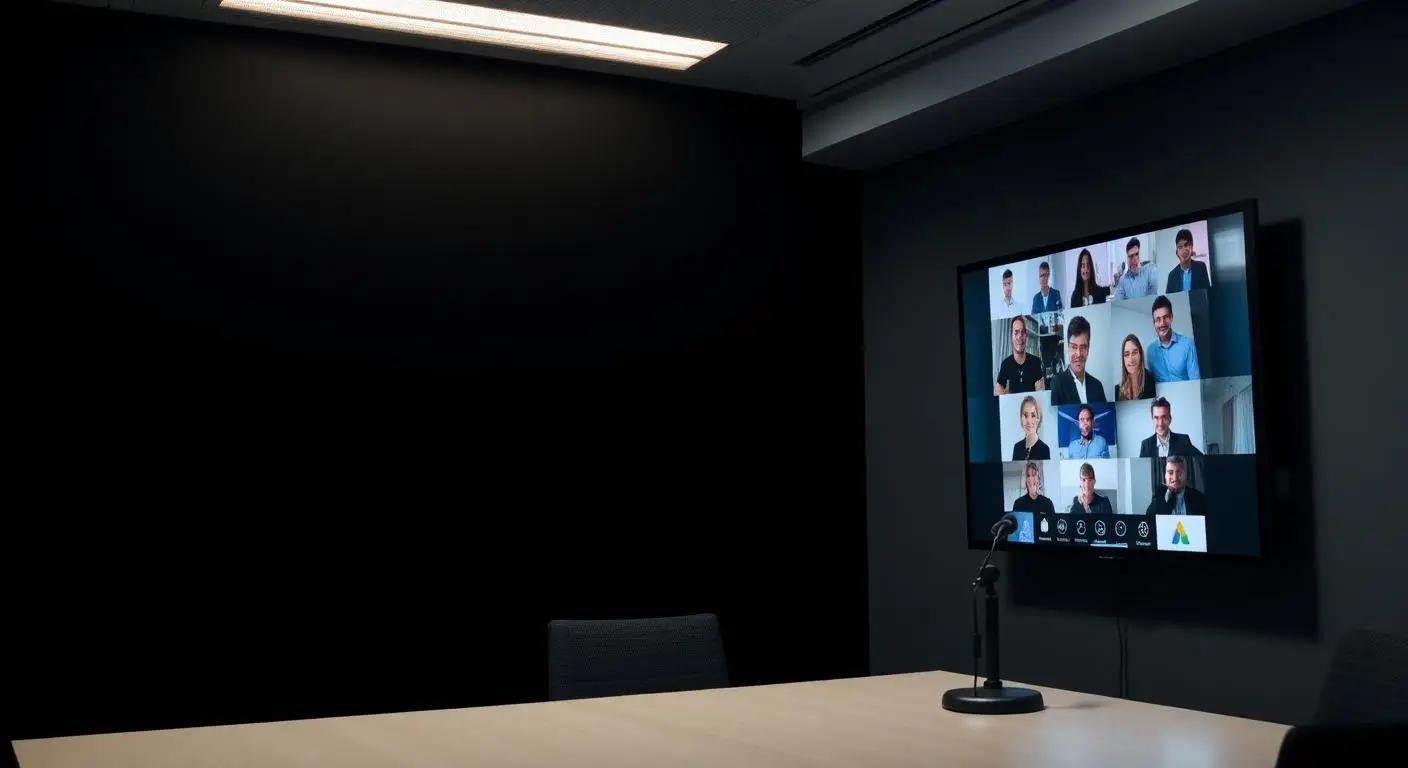
Most organizations did not choose to keep their phone system, chat, meetings and voicemail in four unrelated places; it happened one purchase at a time. Unified communications puts calling, chat, presence, video and mobility into one environment so staff can reach each other in one step, and Mayer Networks designs, deploys and supports it alongside the network it runs on.
In plain language
Calls, messages, meetings and presence, together
"Unified communications" is an industry phrase for a simple idea: the ways people contact each other should not live in separate, unrelated tools. Today a lot of organizations have a desk phone from one vendor, chat in one app, meetings in another, and voicemail somewhere nobody checks.
Bringing them together means you can see whether someone is on a call before transferring to them, move a chat into a call, join a meeting from a phone or a browser, and reach a colleague once instead of trying three tools in sequence.
What gets combined
- Phone calls
- Chat
- Presence
- Video
- Conferencing
- Voicemail
- Mobile communication
Which of these come from the phone platform and which from Microsoft 365 depends on the design. We scope it rather than assume it.
Who this fits
- Organizations with remote and hybrid staff
- Businesses using Teams alongside a separate phone system
- Multi-location organizations
- Organizations tired of separate tools for calls, chat and meetings
What breaks first on old phone systems
- Staff juggling a desk phone, a chat app and a separate meeting platform
- Calls that only reach a desk nobody is sitting at
- Meeting platforms nobody can join without support
- Missed communication between locations
What is included
- Voice, chat, video and presence integration
- Desktop and mobile clients
- Web conferencing
- Microsoft Teams integration where applicable
- Multi-location and remote worker configuration
- Adoption training
- Voicemail to email so messages arrive where people already work
- Instant messaging alongside calling where the platform provides it
- Softphones on Windows and Mac, plus mobile clients
- Audio and video conferencing with screen sharing where supported
- Call queues and shared reception coverage across locations
How a phone cutover runs
Step 1
Map
How people communicate today: internally, with customers, between locations.
Step 2
Consolidate
Reduce the number of tools and connect the ones that remain.
Step 3
Deploy
Configuration, device setup and training.
Step 4
Refine
Adjust as workflows and staffing change.
Mobility
Your extension doesn't have to stay at your desk
- Employees use their business extension from a smartphone
- Remote staff stay part of the same phone system, not a forwarded cell number
- Calls follow people between desk, laptop and mobile device
- Business calls go out with the business number, not a personal one
- Callers can still be transferred back to the office
- Teams across several offices work as one organization
One extension, three places
- Desk phone in the office
- Desktop or browser client on the laptop
- Mobile app in the field
Same extension, same business caller ID, same voicemail. Availability of each client depends on the platform selected.
Fewer places for a message to get lost
The problem unified communications solves is fragmentation: a voicemail in one system, a text to a personal cell, a chat in Teams and an email thread, with no shared record of what was promised to a customer. Consolidating those is mostly an adoption exercise, and adoption fails when the rollout is announced rather than trained.
We are cautious about consolidating everything at once. Voice, messaging and meetings can move in stages, which keeps a failure in one from taking down how the organization communicates entirely.
- Voice, messaging, presence, meetings and mobility under one set of user accounts
- Presence and BLF so staff can see availability before transferring a caller
- Voicemail delivered to email rather than sitting on a handset nobody visits
- Communications that follow the employee instead of terminating at a desk
Why Mayer Networks
- Integration handled with the phone system and network together
- Training that focuses on daily tasks
- Responsive remote and onsite support from engineers based in Southern Illinois, not a queue in another time zone.
- One organization accountable for support, engineering, security, infrastructure and communications.
Security considerations
- Identity-based access with MFA
- Meeting and external access policies reviewed
- Recording controls configured deliberately
Can Teams be our phone system?
Teams can handle calling in many environments. Whether it should depends on call volume, reception workflows, queues and cost; we evaluate both approaches.
Do we need new handsets?
Not always. Many organizations keep handsets at reception and shared areas while other staff use applications.
Will call quality suffer for remote staff?
Quality depends on the remote internet connection and device. We test and advise during rollout.
Can we keep chat and calling separate?
Yes, if that fits your workflows better.
Let's talk about your technology
Tell us what you are running and what is not working. We will tell you plainly what we would do about it.